6 Best Website Builders [2026 Comparison]

10 minutes
.
June 29, 2026
Choosing a website builder determines your visibility, performance, and ability to scale your online presence. The website builder market reached a new milestone in 2026, driven by generative AI and a shift in some search queries towards ChatGPT, Perplexity, and Google's AI Overviews. The AI builder market itself surged from 2.69 to 3.24 billion dollars in one year, according to Precedence Research, proving that website creation is reinventing itself around artificial intelligence.
But beyond the marketing promises, the real differences between platforms remain enormous in terms of SEO, performance, and now AEO. Our Webflow agency has compared for you the 6 best website builders in 2026, based on their flexibility, performance, support for AI engines, and real value for money. A new criterion emerged this year, distinguishing the top contenders: a platform's ability to make your content citable by artificial intelligences.
| Software | Details by criteria |
|---|---|
| #1 Webflow | Price: from $14/mo (agency project $3,000–$15,000) Best for: premium B2B sites, SaaS, demanding brands Key strength: native technical SEO + AEO audits Rating: ★★★★★ |
| #2 Framer | Price: free, then $10 to $100/mo Best for: landing pages, portfolios, design-first sites Key strength: speed and native animations Rating: ★★★★☆ |
| #3 WordPress | Price: free (hosting + plugins $200–$500/yr) Best for: media, content-heavy sites, complex projects Key strength: massive plugin ecosystem Rating: ★★★★☆ |
| #4 Wix | Price: a few dollars to ~$30/mo Best for: small businesses, freelancers, simple sites Key strength: mainstream ease of use + AI Rating: ★★★☆☆ |
| #5 Squarespace | Price: all-inclusive monthly subscription Best for: creatives, portfolios, boutique brands Key strength: ready-to-use design templates Rating: ★★★☆☆ |
| #6 Shopify | Price: subscription + sales commissions Best for: e-commerce, high-volume stores Key strength: complete e-commerce solution Rating: ★★★★☆ |

Webflow combines an advanced visual editor, a powerful CMS and clean HTML code natively generated. It's the platform we use at Noqode, and our choice is driven as much by its production quality as by its lead in AEO in 2026.
Webflow remains a niche player by volume, with 0.9% of all websites and a 1.2% CMS market share according to W3Techs, but it's the fastest-growing platform in its segment, at 12.5% per year, starting from almost zero in 2020. More importantly, it has established itself as the standard for premium B2B websites, with an estimated ARR of over $200 million.
This year has strengthened Webflow on three decisive fronts:
This combination makes a difference in citability. When a decision-maker queries ChatGPT or Perplexity before buying, only properly structured sites are cited. Webflow generates exactly what AI engines ingest: clean semantic code, Schema.org data, and llms.txt files.
Ideal for : startups, SMEs, SaaS companies, and premium brands that want a custom, high-performing site visible on Google and AI engines.
Pricing : starting from $14/month for self-service; agency projects generally range between €3,000 and €15,000.
Try the tool : webflow.com
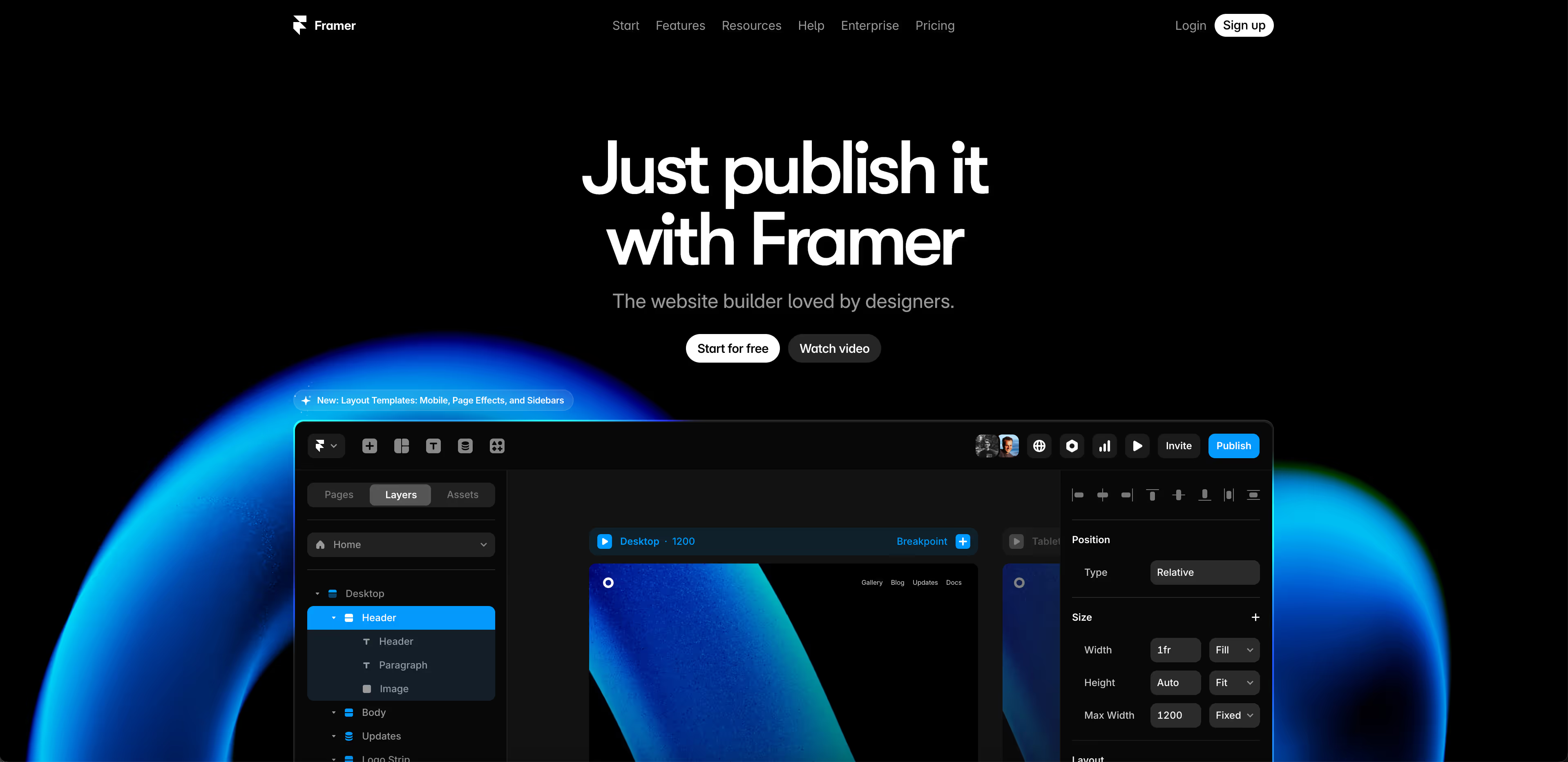
Framer is the standout of the last two years. Built on React, with an interface similar to Figma, it allows you to go from an idea to a published site in a few hours, with native animations and transitions that are incredibly fluid.
The platform now powers over 500,000 active sites, supported by a rapidly growing community of designers.
Framer has made significant progress this year in AI automation:
Ideal for : designers, startups, and brands that prioritize visually impactful showcase sites or landing pages, delivered quickly. Our comparison Webflow vs Framer details the cases where each excels.
Pricing : Free, Basic $10/month, Pro $30/month, Scale $100/month, Enterprise by quote.
Test the tool : framer.com
WordPress remains the most used CMS in the world, with approximately 43.5% of all websites in 2026 according to W3Techs. Its advantage lies in its vast plugin ecosystem and its complete openness: you own your code, content, and hosting.
Ideal for : editorial sites, media, complex platforms and teams with technical resources. Our Webflow vs WordPress comparison helps you decide based on your profile.
Pricing : the software is free, but hosting, premium themes, and plugins bring the real cost to between €200 and €500 per year, excluding development.
Test the tool : wordpress.org
Wix is designed for those who want a website quickly, without any technical skills. Its drag-and-drop editor and extensive template library make it a popular choice for freelancers and small businesses.
It is also the fastest-growing mainstream builder, with 4.3% of all websites and 32.6% year-over-year growth according to W3Techs, with revenues of nearly 2 billion dollars in 2025.
Ideal for : freelancers, small businesses, and solo entrepreneurs who want a simple site without technical complexity. To see where the tipping point is, consult Webflow vs Wix.
Pricing : from a few euros to around thirty euros per month depending on the features.
Try the tool : wix.com
Squarespace focuses on polished templates and ease of use. It's a popular choice among creatives, photographers, designers, and boutique brands who want an elegant look without getting into technical details.
The platform accounts for 2.5% of all websites and was acquired by Permira for 7.2 billion dollars in 2024, a sign of a mature and valued market.
Ideal for : creatives, shops, and brands looking for a beautiful, ready-to-use website without strong technical requirements. Details in Webflow vs Squarespace.
Pricing : all-inclusive monthly subscriptions, depending on the chosen plan.
Try the tool : squarespace.com

Shopify is the turnkey solution for selling online. Product, inventory, payment, and order management, an ecosystem of over 8,000 apps: it's the tool designed for commerce.
It's also the world's second largest CMS behind WordPress, with approximately 5 to 6% of all websites and 26% of the global e-commerce market. Its revenue reached $8.88 billion in 2024, the highest in the entire industry.
Note : a hybrid approach, with a marketing site on Webflow and a store on Shopify, often offers the best of both worlds.
Ideal for : merchants and brands for whom online sales are the primary business.
Pricing : monthly subscription plus sales commissions depending on the plan.
Test the tool : shopify.com
There is no single best tool, only the best tool for your project. The right choice depends on your objective, your internal resources, and your ambition for your online presence. A freelancer starting a business and a scale-up aiming to dominate its category on Google and AI engines do not have the same needs or constraints.
To quickly guide you, here's how we advise our clients based on their situation.
Beyond design and price, one factor is becoming increasingly important when choosing a platform: its ability to make your site visible where your prospects are now looking. Search is no longer limited to Google. Your decision-makers are querying ChatGPT, Perplexity, and Claude even before contacting you, and only sites structured to be read and cited by these engines appear in their responses.
This is precisely why we chose Webflow as the foundation for all our projects. A good tool doesn't just create a beautiful site; it lays the technical groundwork for sustainable visibility on Google and AI. This is the essence of AEO, SEO for AI search engines, and why we integrate it from the design stage rather than as a post-hoc correction.
Let's be clear: the platform is just a starting point. A poorly structured Webflow site will perform worse than a rigorously optimized WordPress site, and vice versa. The real difference lies in strategy, information architecture, content quality, and technical optimization. The tool either facilitates or complicates the work, but it doesn't replace it.
If you're unsure about the best platform for your project, or if you want to know how your current site stands against AI engines, our free AEO audit gives you an initial assessment in just a few minutes.
Yes, provided the migration is handled properly. A successful site migration relies on a page-by-page 301 redirect plan, preservation of the URL structure, and post-migration monitoring in Search Console. Poorly executed, it can cause traffic to drop for several months.
Not necessarily. Wix and Squarespace are designed to function without any technical skills. Webflow and Framer allow for creation without coding, but advanced use benefits from an expert eye. WordPress is still the one that most often requires technical support for maintenance and security.
SaaS platforms like Webflow, Framer, Wix, and Squarespace handle hosting, backups, and security for you, without intervention. WordPress, conversely, requires regular maintenance (core, theme, and plugin updates), otherwise risking security vulnerabilities and technical debt.
That depends on the structure, not just the tool. Engines like ChatGPT or Perplexity cite pages with clean code, structured data, and clearly segmented text. Webflow facilitates this structuring natively, but well-organized content remains essential regardless of the software chosen.
It all depends on the platform. WordPress allows you to export all your content and your database. Webflow lets you export HTML, CSS, and JavaScript code. Conversely, Wix and Squarespace are closed SaaS platforms, meaning you cannot export your site to host it elsewhere.
Webflow and WordPress are the most robust options for multilingual support, offering management of translated slugs and hreflang tags, which are essential for international SEO. Framer remains limited in this regard, due to a lack of localized slugs. For a brand targeting multiple countries, this criterion quickly becomes decisive.