10 signs your design was made by AI

10 minutes
.
October 28, 2026
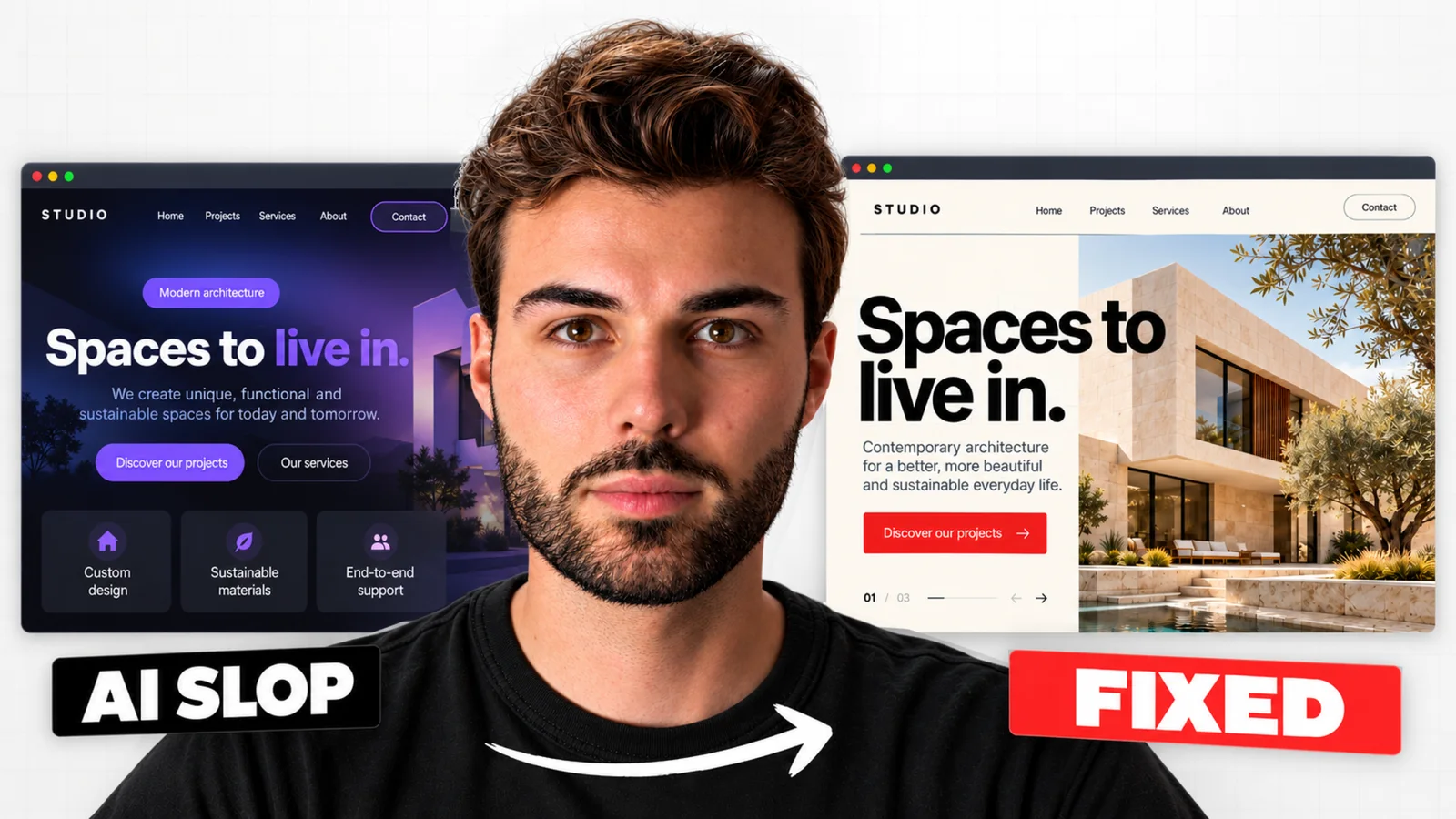
A website designed with AI is often recognisable from the first screen. A giant headline stands out against a dark background crossed by an indigo gradient. Right below it, a grid of cards presents the features. We use Claude on our client projects and these patterns come back in almost every generation. We have listed ten signs that give away a design produced by default. Each one is illustrated with a still from the video below, along with how our Webflow agency avoids it. Count how many you find on your own website as you read.
A model like Claude or ChatGPT learned design from thousands of existing interfaces. When you ask it for a "modern" website with no other instruction, it returns the most likely answer. The result looks like the average of the whole market. This kind of content, mass-produced without intent, is called "AI slop". The term covers text and images as much as interfaces.
None of the elements below is bad in itself. They give AI away when they show up together and by default. Nobody has chosen them for the brand.
The first seven signs concern the interface. The last three come from the content. They often give the site away faster than the design itself.
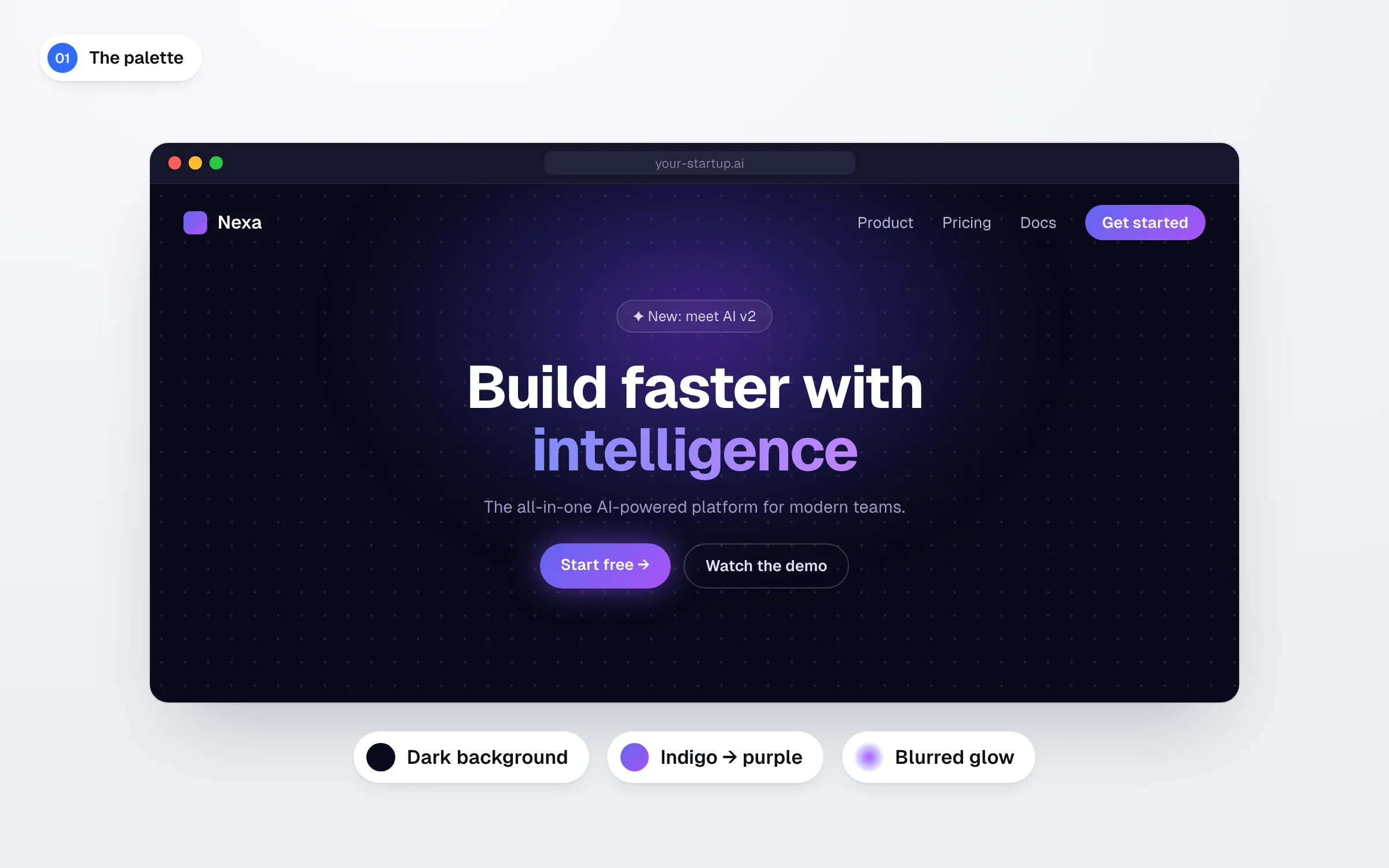
The most visible sign is the palette. The background is dark and a gradient runs from indigo to purple. A large blurred glow lights up the headline, and one of its words often picks up the gradient. A dot grid sometimes covers the background. AI produces this palette as soon as you ask for a modern look. A neobank and a meditation app end up with the same identity.
We start from the brand and its clients to set the colours. This happens before we open any AI tool. The palette is then given to the model as a constraint, just like the logo.
Generated headlines are often huge and set in a very thin weight. They look almost transparent. One word regularly switches to italics for a touch of elegance. The result flatters a screenshot. On a phone in full sunlight, it becomes hard to read.
The W3C accessibility guidelines require a contrast ratio of at least 4.5:1 for body text and 3:1 for large text (WCAG 2.2 success criterion 1.4.3). A thin headline set at reduced opacity quickly falls below that threshold.
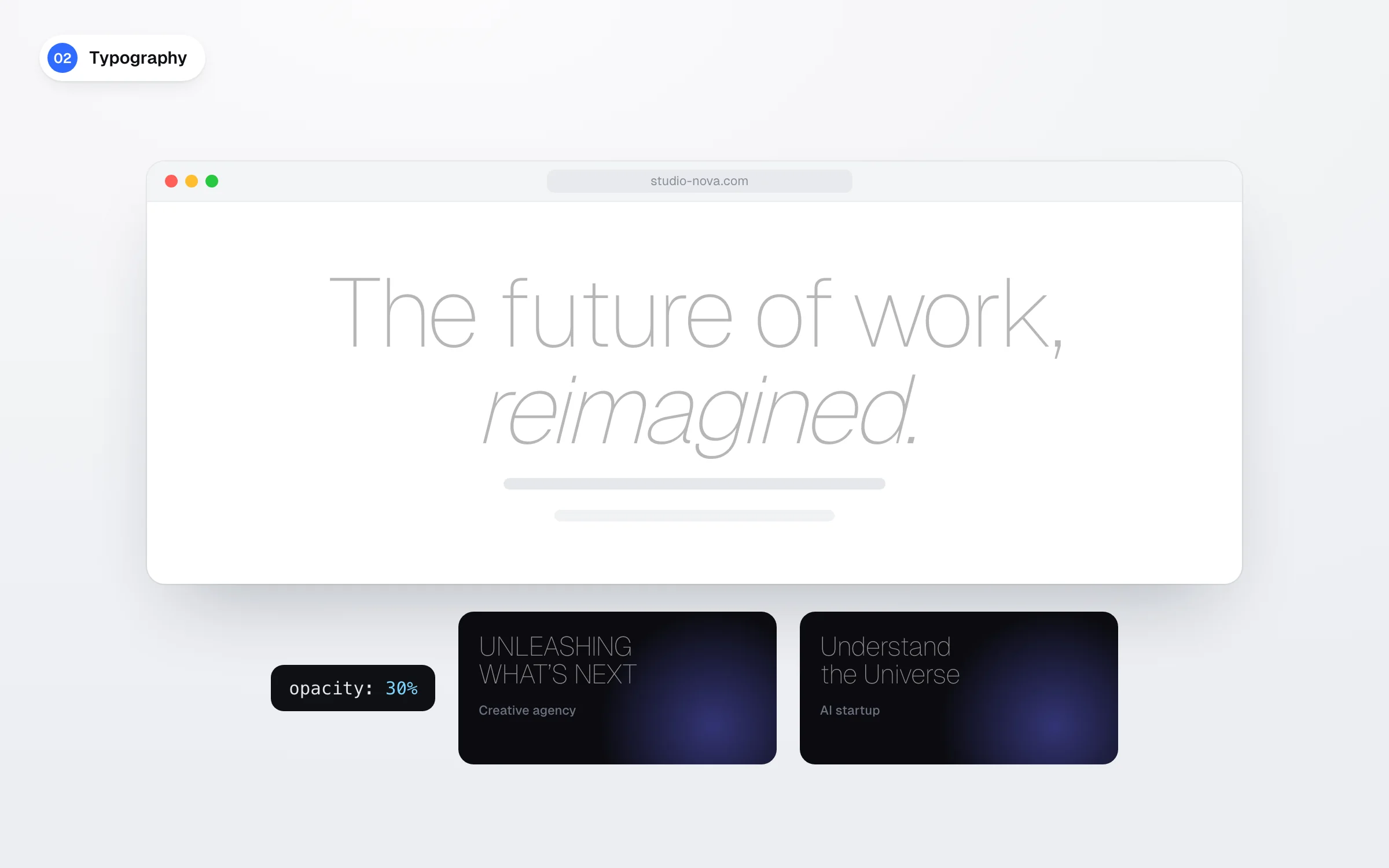
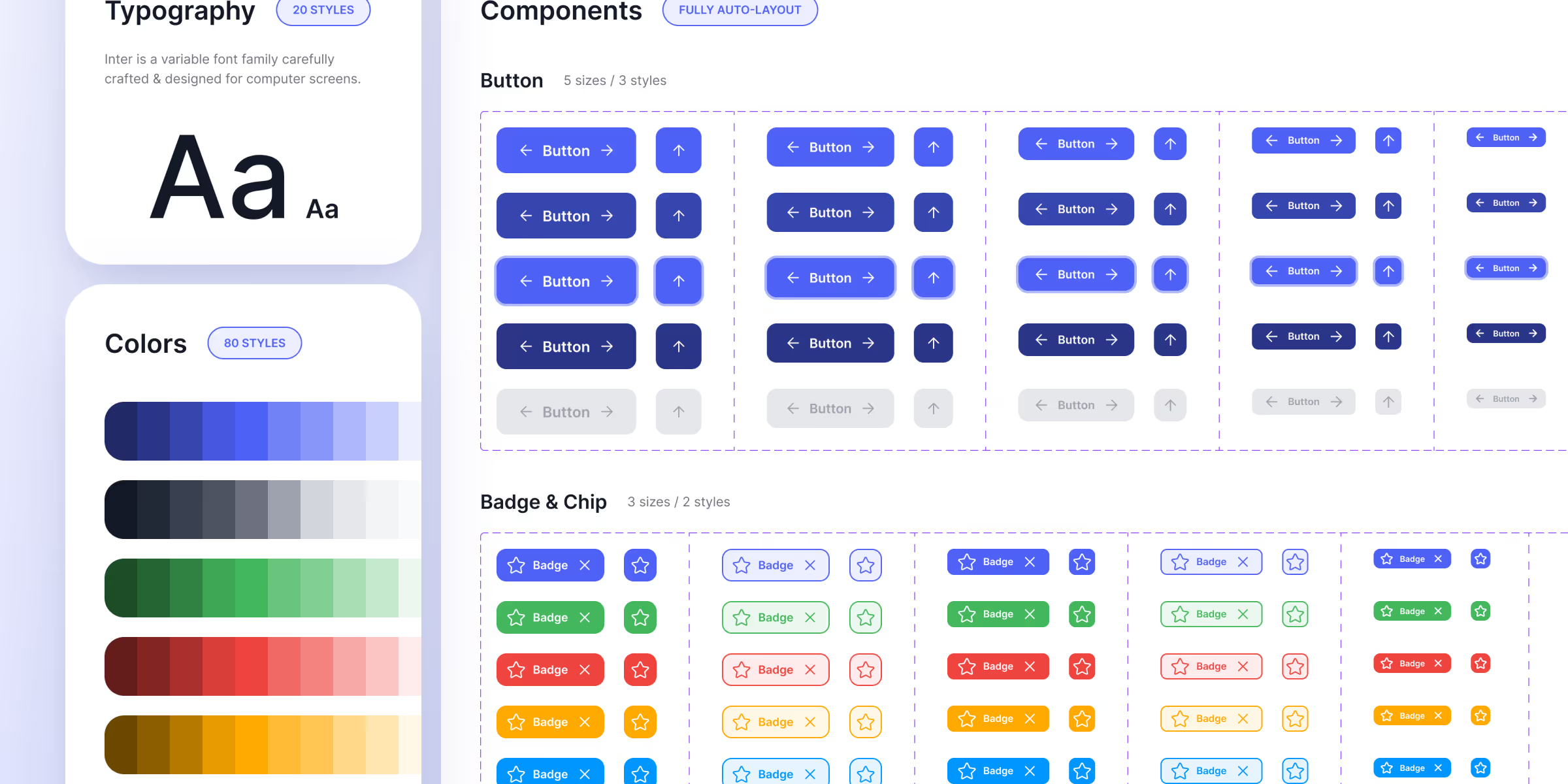
Typography also carries the voice of the brand. Left to AI, it sounds like every competitor. We choose the typefaces and their weights before the first prompt, then impose them on the model. In our test of the Kova website with Claude and Mobbin, the two typefaces provided from the start set most of the result.
AI puts cards everywhere. Each feature gets its own, as does each key figure and each review. You sometimes even find a card inside a card. The same corner radius applies to every element and a small icon sits in a coloured square. Cards separate information effortlessly, which is why models overuse them.

Whitespace, a thin rule or a change in text size achieve the same separation with more character. The test is quick. Remove half the cards from a page. In most cases, none of them are missed.
The generated home page almost always follows the same template. A rounded badge announces something new at the top of the page. A centred headline, a grey subtitle and two buttons follow. A bento grid then presents the features. Dashboards line up four figures above a large chart. Mobile apps open on "Hello Thomas" and a summary card.
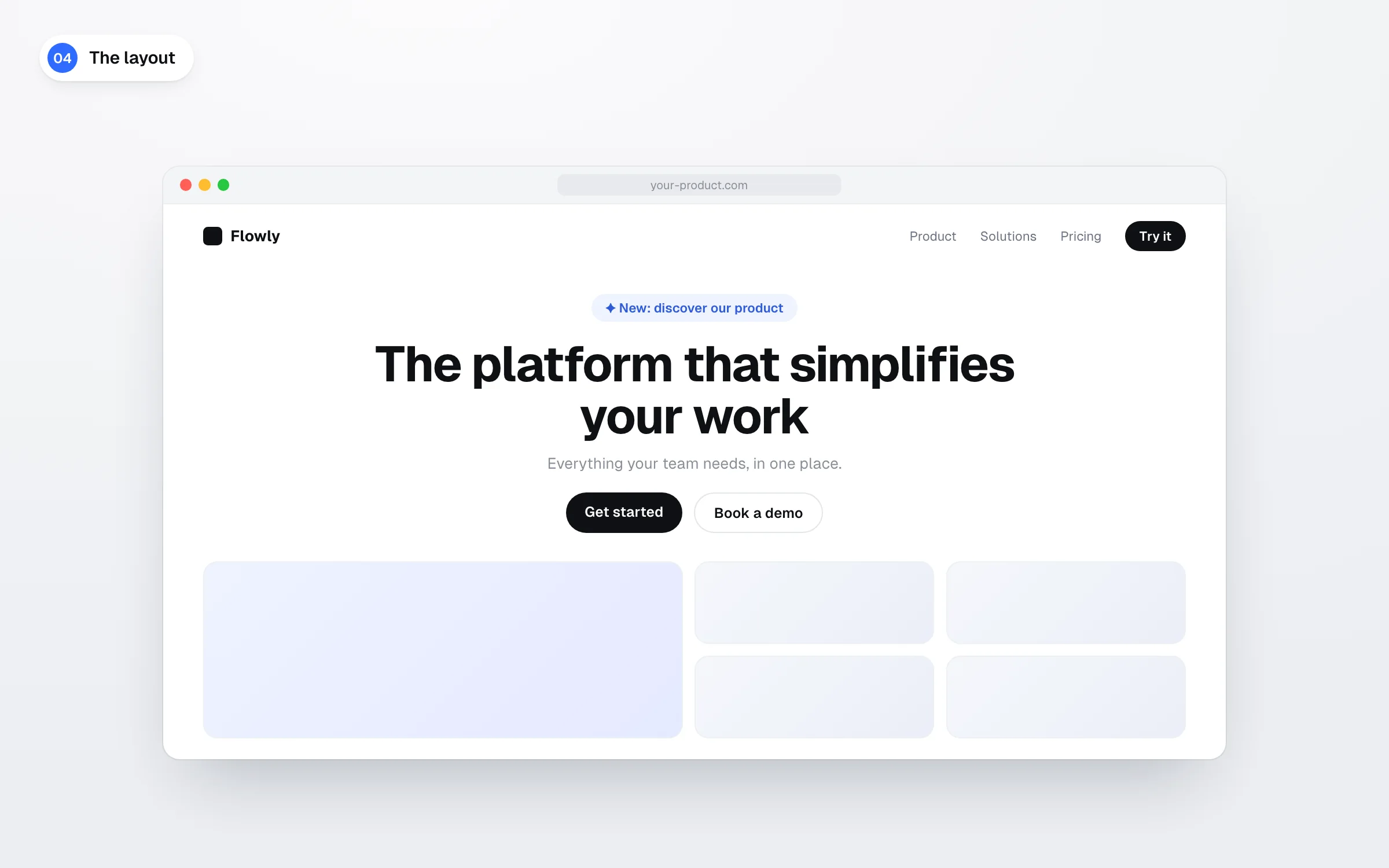
These layouts work. They fit a type of product and ignore the specific needs of your audience. AI falls back on them because we ask it to design without showing it a single reference.
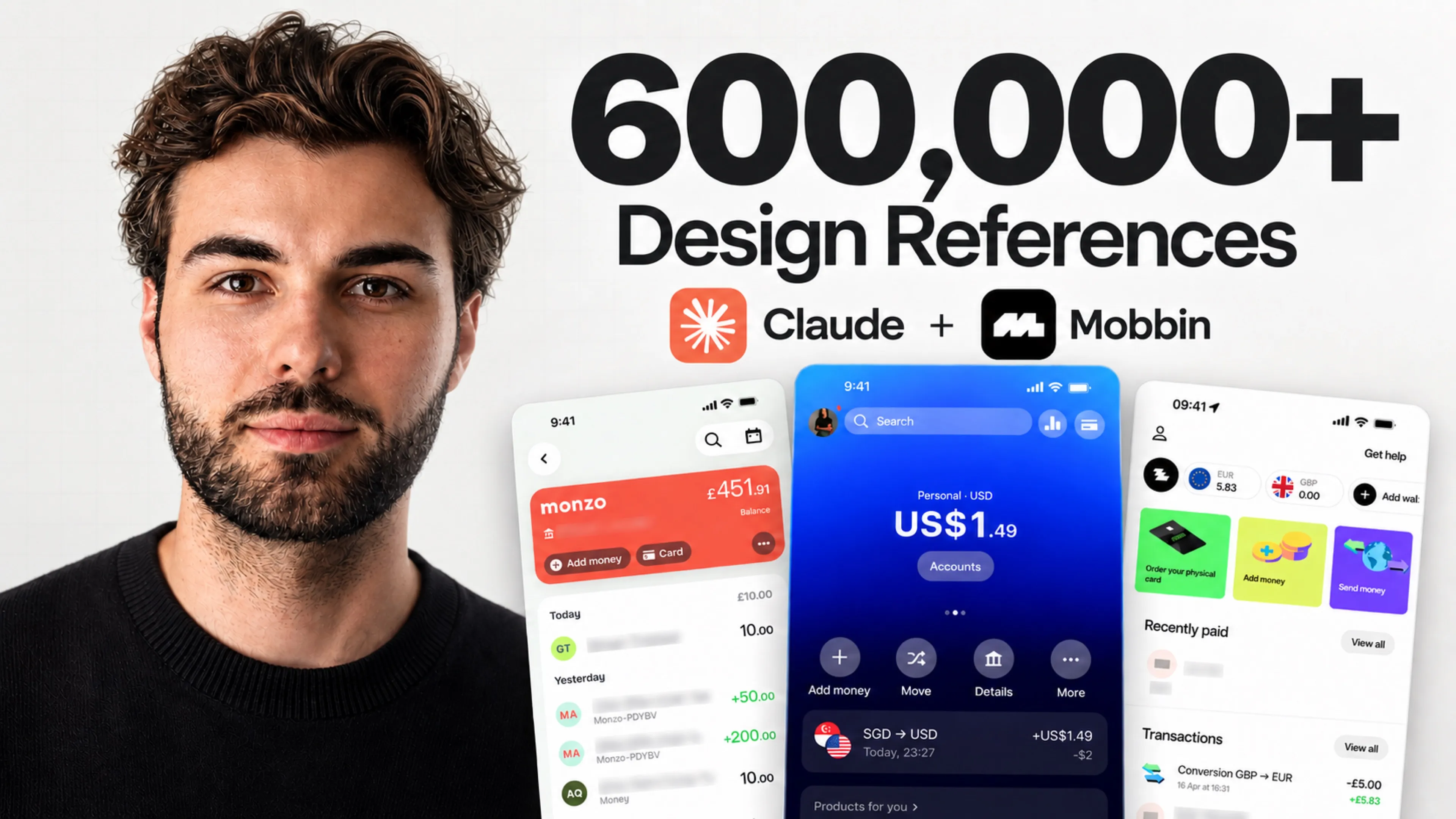
We look for those references on Mobbin. The library gathers more than 600,000 screens and flows taken from live apps and websites. For an onboarding flow, we look at how Revolut, Airbnb or Notion handle it. We count the steps. We note the information asked for first and when permission requests appear. We then list the recurring patterns before deciding what fits the client's product.
The Mobbin MCP lets Claude fetch these references on its own before it designs anything. It requires a Mobbin Pro plan, with 10% off through our link.
Each section gets its centred headline, its introductory sentence and its three columns. The next one repeats the same pattern, and so does the one after. Each feature has its icon, its title and its two lines of text. Everything is symmetrical and nothing stands out.
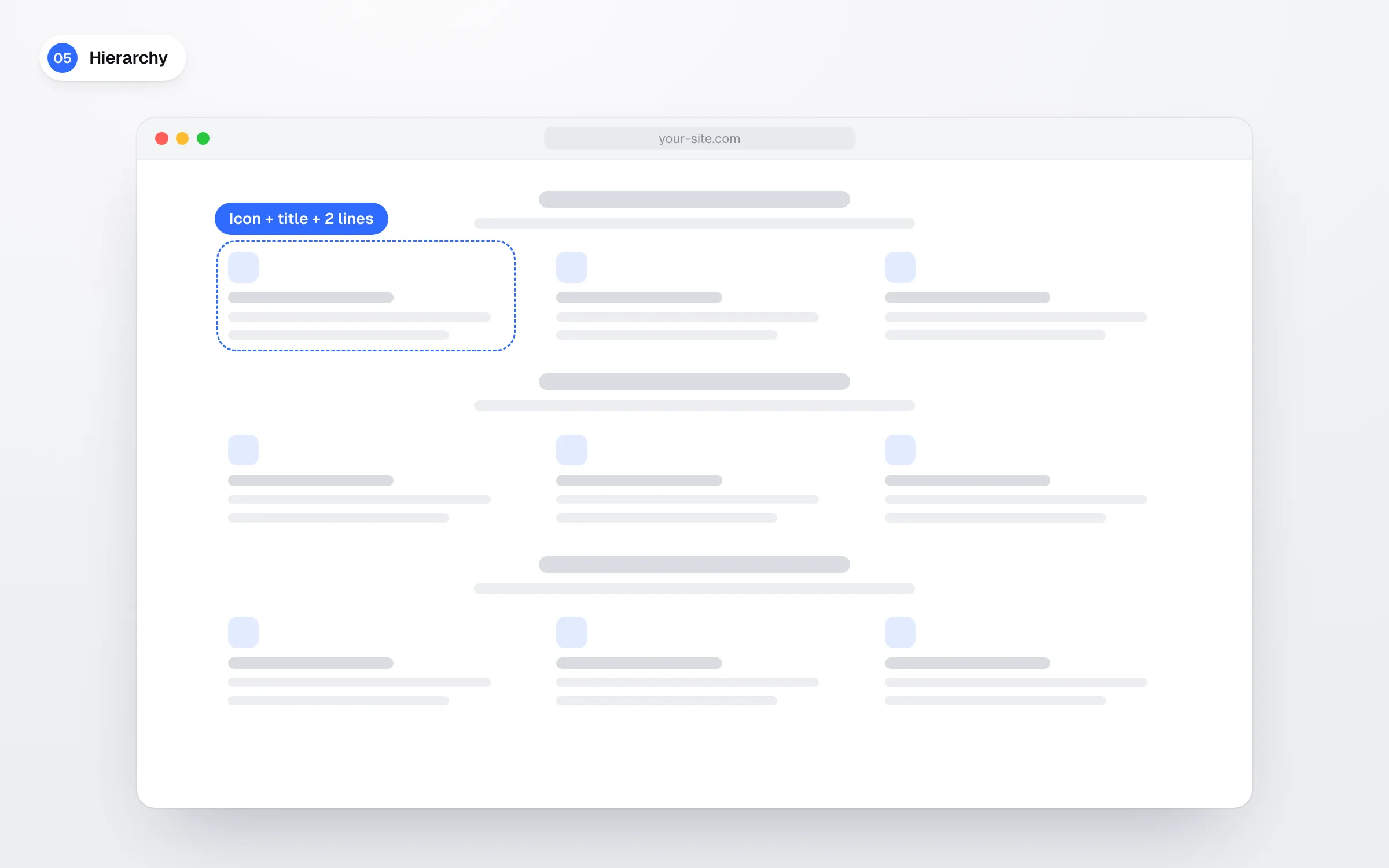
On a real website, elements do not have the same value. Your pricing deserves more space than your values and the main button must be seen before anything else. Hierarchy starts from a simple question about the priority of the client reading the page.
AI piles up glass effects and glowing borders. Dots blink to signal a status. Cards grow on hover and every block fades in on scroll. These effects look good in a screenshot. For the user, a pointless animation wastes time.
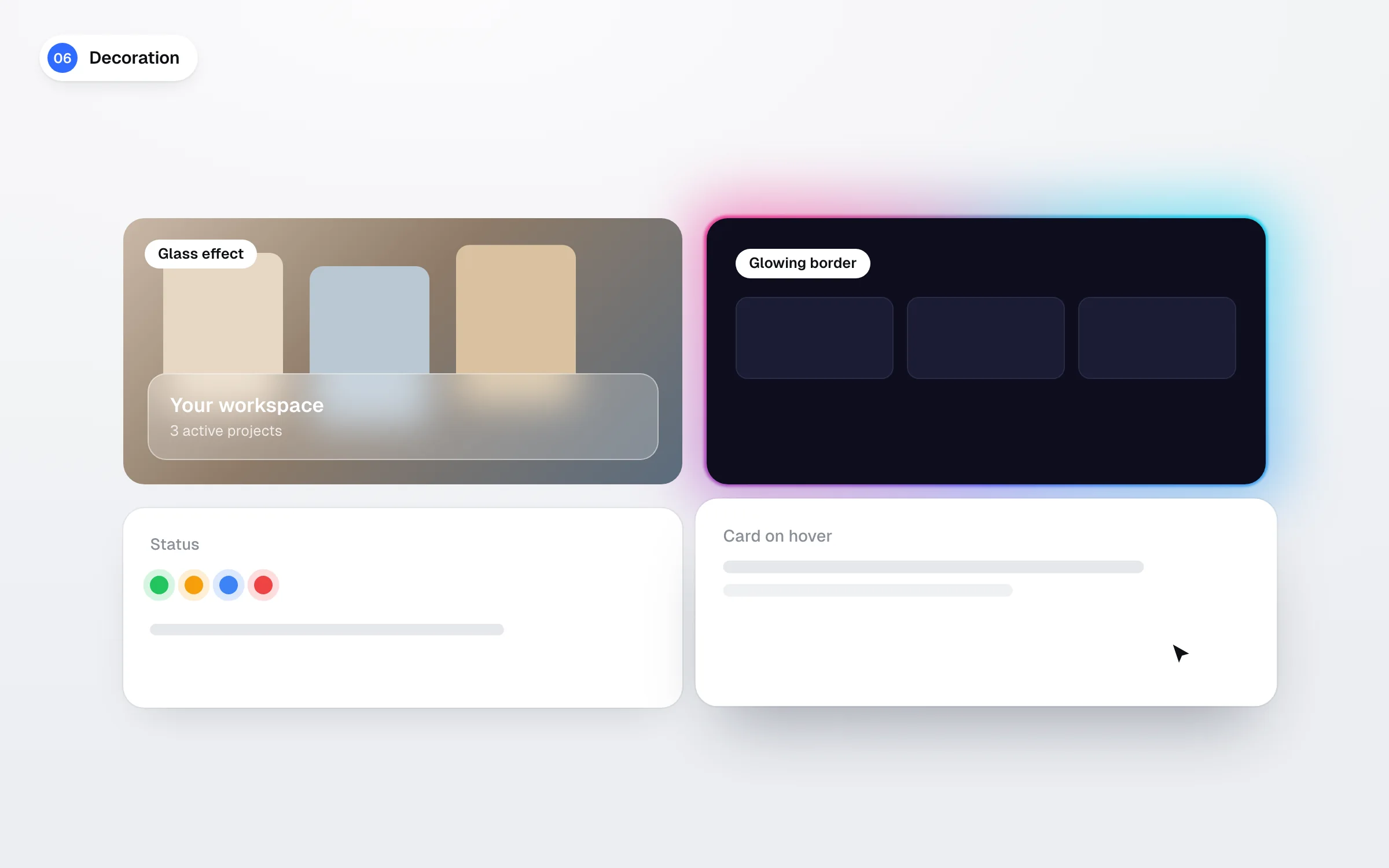
Motion can also cause harm. The W3C points out that motion triggered by scrolling can cause dizziness and nausea for people with vestibular disorders (WCAG 2.2 success criterion 2.3.3). We therefore run every effect through the same filter. If it shows an action, a state or a hierarchy, it stays. If it strengthens the brand, it stays too. If it only looks good, we remove it.
Generated visuals mix generic 3D illustrations with floating abstract shapes. Portraits come from stock libraries or are generated from scratch. No photo of the team, the office or the product appears. Visitors get the feeling that nobody stands behind the website.
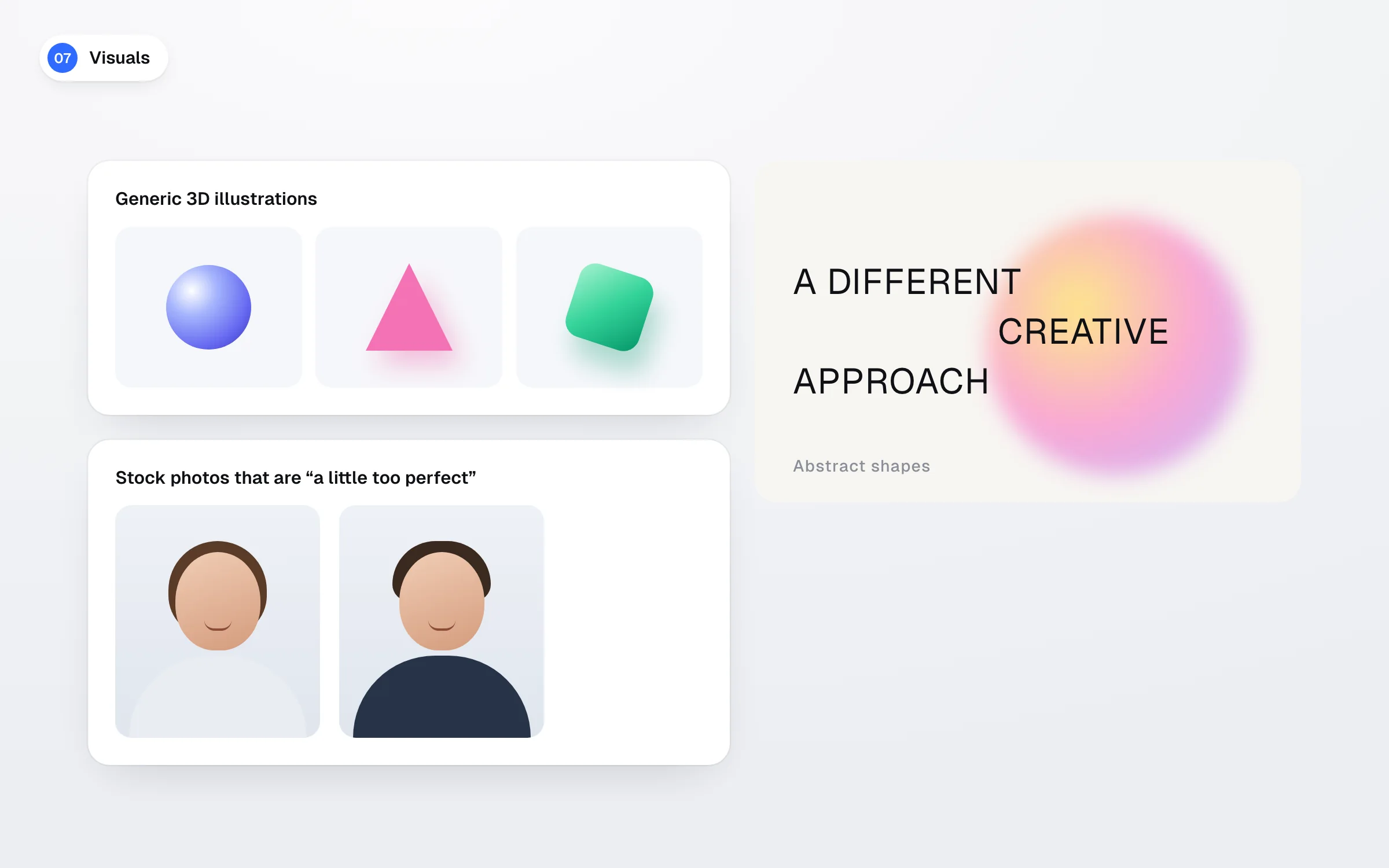
The Nielsen Norman Group observed it in its eyetracking studies. Users ignore stock photos of generic people and look at photos of the real people who work at the company (Nielsen Norman Group). On the FreshBooks team page, a test user spent 10% more time on the portraits than on the biographies. Yet the biographies took up 316% more space. A slightly imperfect photo of your team is therefore worth more than a generated visual. It proves the company exists.
Copy is the sign almost nobody notices. Once you spot it, you see it everywhere. Models have their own turns of phrase, like "It's not just a tool, it's a partner". They line up three words in a row such as "Simple. Fast. Efficient." They ask questions that answer themselves, like "The result? Explosive growth."
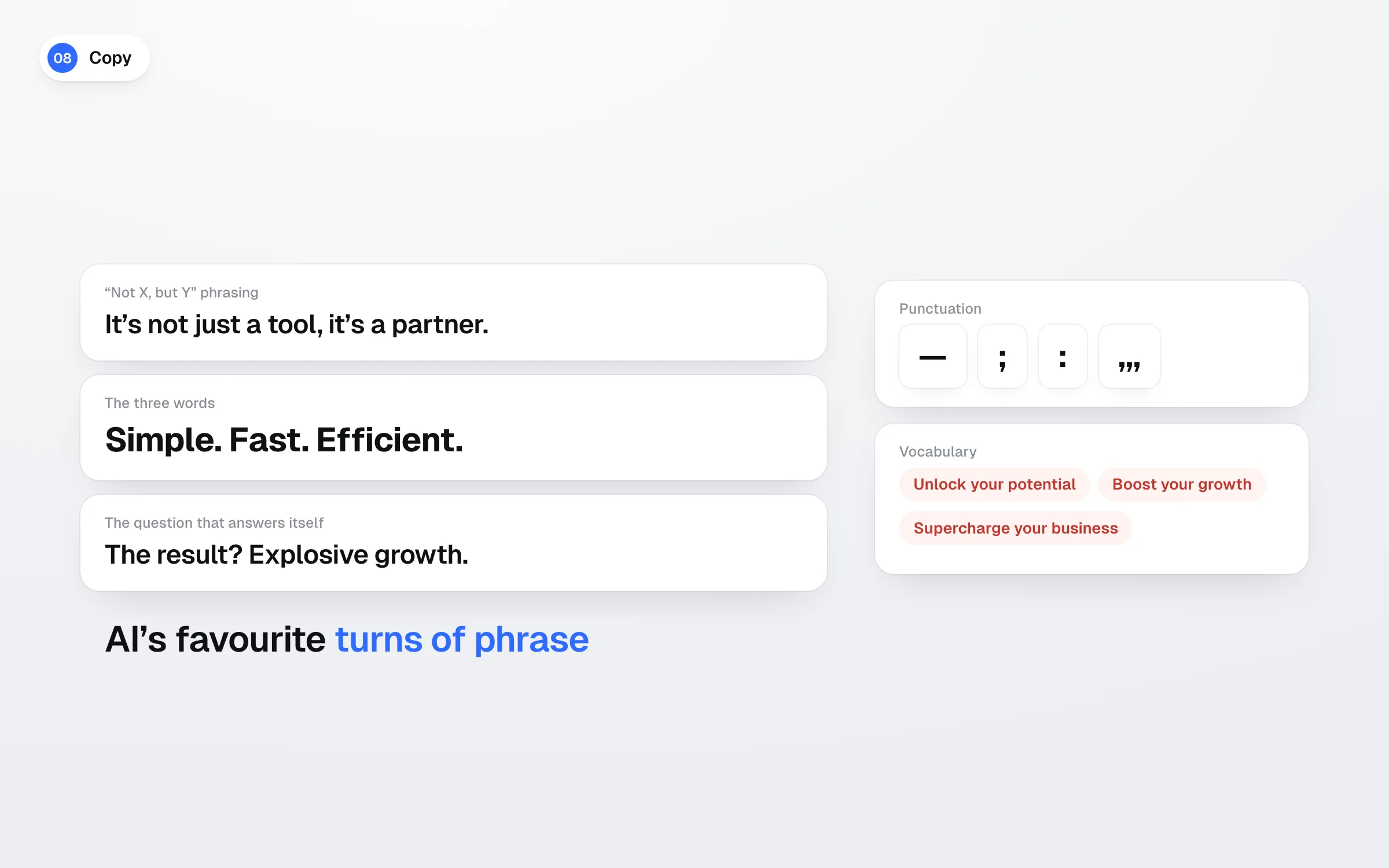
Punctuation gives the model away too. Em dashes and semicolons keep coming back. So do announcing colons and strings of commas. The vocabulary follows with "unlock your potential" or "supercharge your business". Copy you could paste as is onto a competitor's website says nothing about your company.
We write the way we would talk to the client. Sentences stay simple and words precise. Examples come from their own market. The topic is a discipline of its own, covered in our article on UX writing.
Generated mockups display "10,000+ customers" or "99.9% satisfaction". A testimonial signed by Sarah, marketing director, comes with a generated photo. Dashboards fill up with made-up numbers. The interface looks finished while everything in it is fake.

This filler content sometimes ends up online. In France, a fake review published on a website is a misleading commercial practice. The DGCCRF, the French consumer protection authority, states that the offence is punishable by two years in prison and a €300,000 fine (DGCCRF guidance on fake reviews). As long as no real figure exists, we display none.
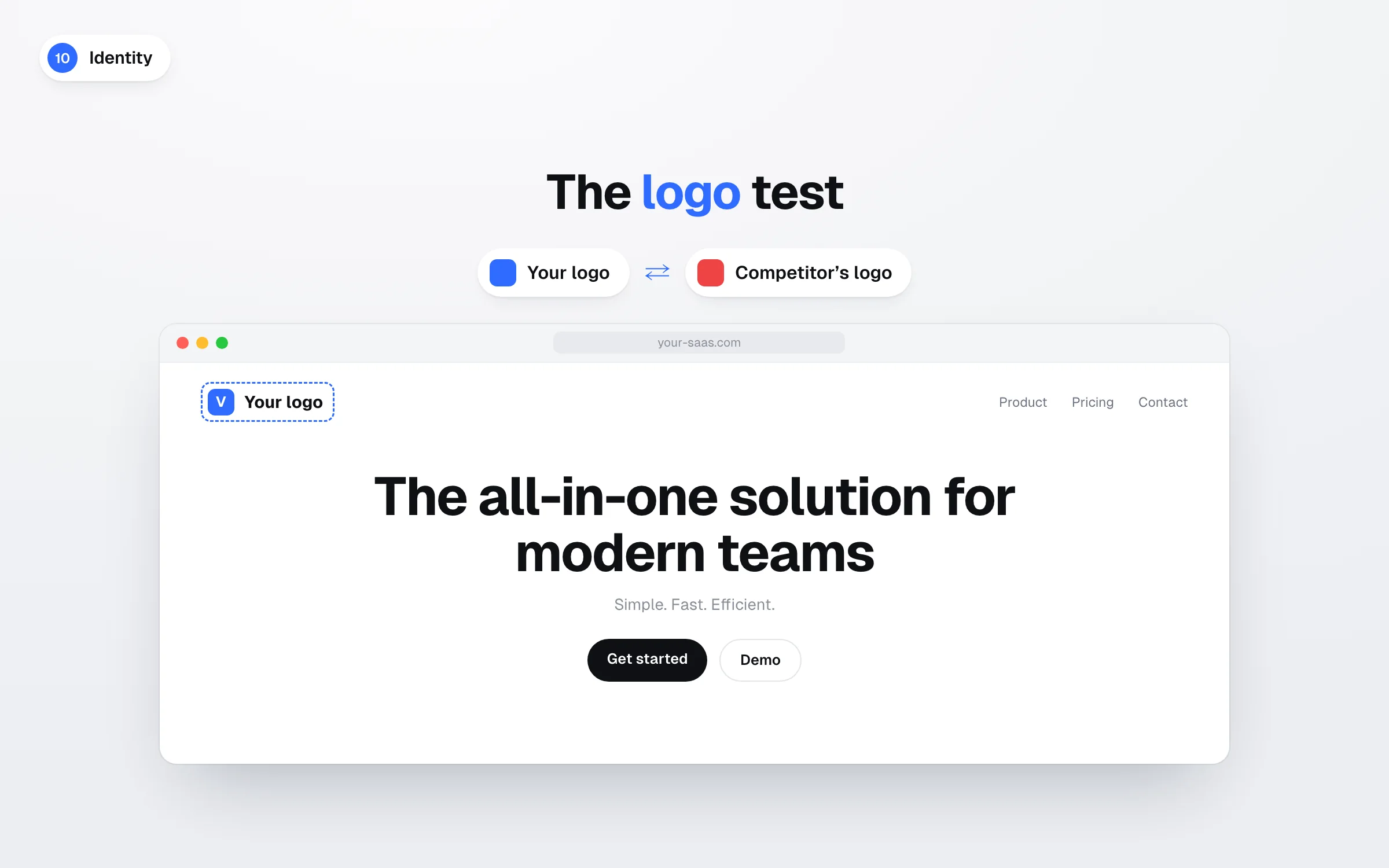
The last sign follows from the nine others. You can tell you are on a website, an app or a dashboard. Nothing explains why the product exists or how it stands out. The logo test is enough to check it. Replace your logo with a competitor's. If the page still works, it does not say enough about you.
AI handles obvious design very well. It goes further when the thinking has been done upfront. On our projects, strategy therefore comes before the first prompt. The audience, the market and the arguments that set the product apart are defined during the kick-off workshop. We then gather references and look on Mobbin at how the best product teams solved the same problem.
Finally, the model receives the typefaces, the colours and real photos as written instructions. We detail this method in our guide on designing a home page with Claude and Skills. The result is a working base for our UX/UI design team, who rework it before any build in Webflow.
None of these elements is forbidden. We all use cards, icons and sometimes gradients. A website can tick two or three signs and stay consistent with its brand. The checklist spots choices made by default. It does not judge the quality of a design on its own.
An outside eye quickly spots default choices. Thirty minutes are enough to run your home page through these ten signs with our team. Book a call.
The term refers to interfaces mass-produced by AI without any brand intent. They reuse the same indigo and purple palette, the same cards and the same layout. Their copy could fit any website. The English word "slop" means a kind of mush and also applies to generated text and images.
Yes, as long as you give it the context it cannot guess. The audience, the positioning and the visual references are set before the first prompt. The typefaces, the colours and real photos then come in as constraints. The result remains a working base that a designer reworks before launch.
The Mobbin MCP connects Claude to a library of more than 600,000 screens from live apps and websites. Claude searches it for references before proposing an interface. The connector requires a Mobbin Pro, Team or Enterprise plan. Claude Skills complete the setup with a rules file specific to the brand.
Yes. In France, publishing fake reviews or falsely posing as a consumer is a misleading commercial practice. The DGCCRF states that the offence is punishable by two years in prison and a €300,000 fine. The fine can be raised to 10% of average annual turnover.