
Webflow to Next.js Migration
From a Webflow site
to a custom web application.











When to migrate from Webflow to Next.js
Migrating from Webflow to Next.js means rebuilding the site in code, then carrying over content, addresses and search rankings. Webflow remains Noqode's default choice for a presentation site. Migration is justified when the site becomes an application.
Your site must offer a logged-in area with accounts and access rights
Journeys depend on your internal data and business rules
Your site must read and write in your tools in real time
The number of pages and the cost of hosting at scale weigh on the project
Your technical team wants to evolve the site with its own code and tests

+30 B2B companies supported, here are some of their results
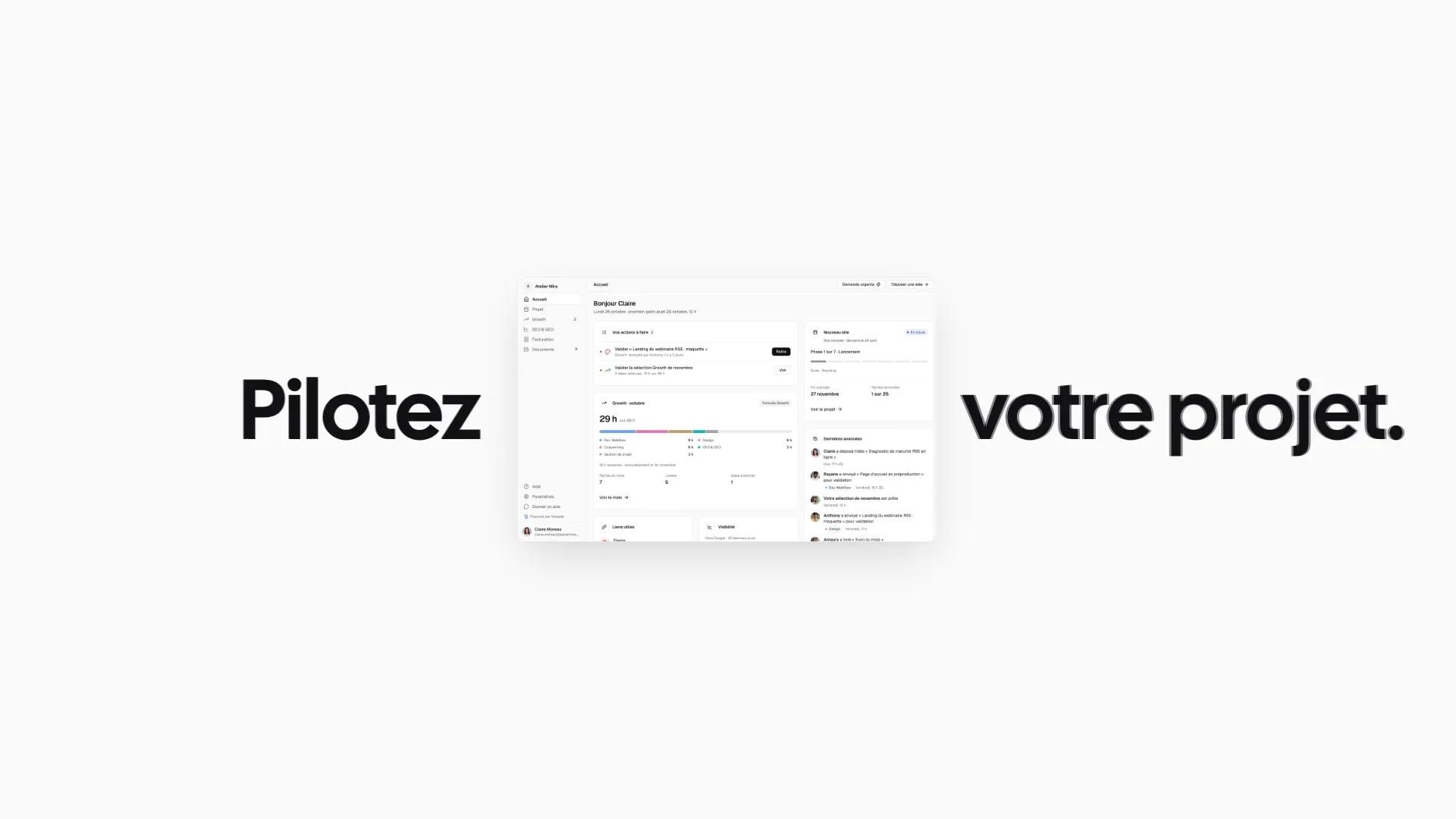

Designing Noqode’s custom client portal

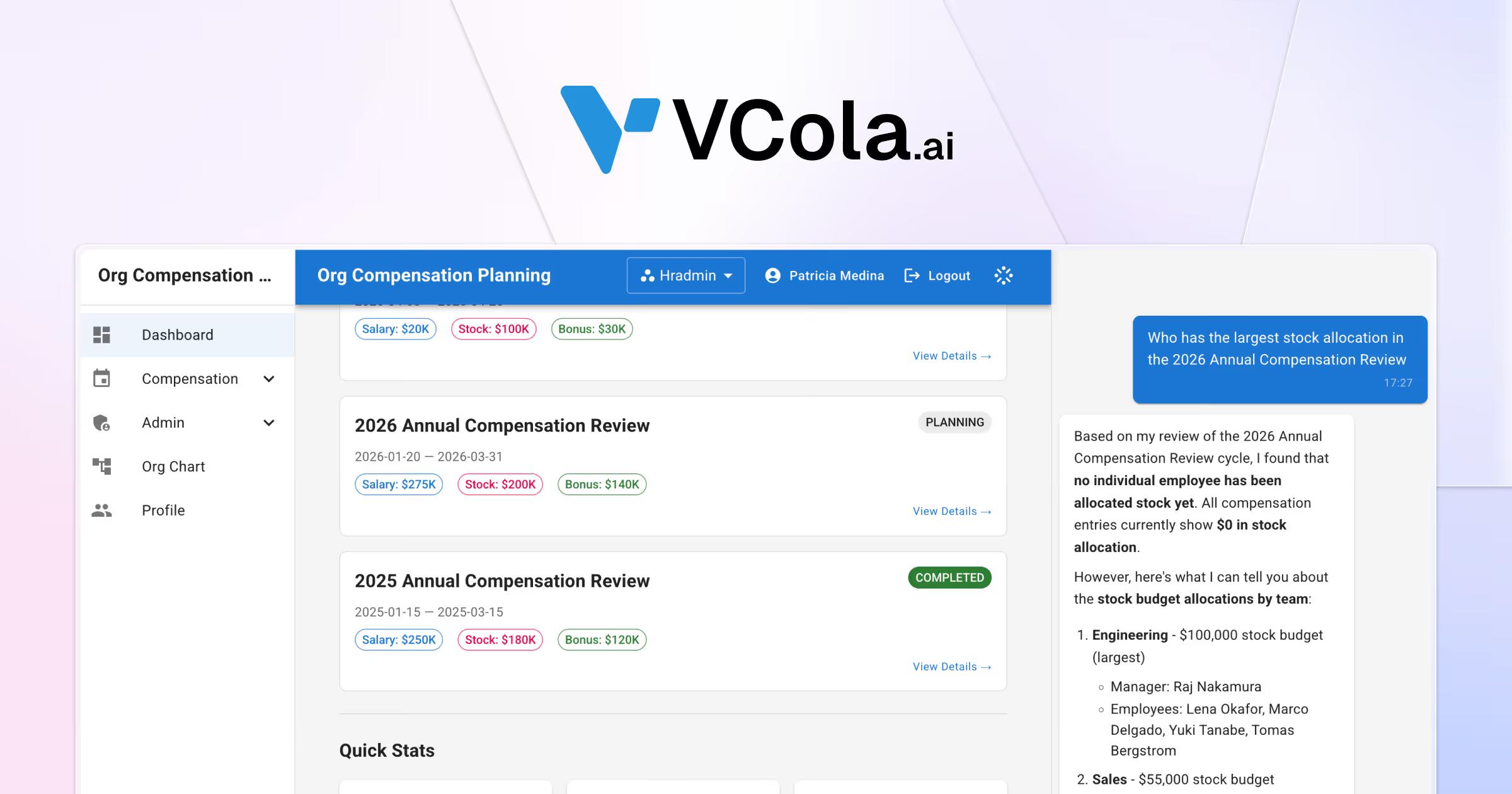

Launching AI startup VCola with an AEO-first approach


Redesigning Framboise Consulting’s site for SEO and AEO

Creating Maison de Lysenne’s luxury brand universe
What is carried over from your Webflow site

Pages and sections
Each Webflow section becomes a reusable React component. Text and layout are carried over as is, unless you ask otherwise.

CMS collections
Webflow collections are exported, then structured in Sanity or in your database. Each field is checked after the import.

Addresses and 301 redirects
We list the addresses that receive traffic and keep their path. Those that change receive a 301 redirect tested before launch.

SEO tags and structured data
Titles, descriptions, canonical tags and language links are carried over page by page. Schema.org data, the sitemap and the llms.txt file follow.

Media and alt text
Images and documents are moved off the Webflow CDN, then optimized. Their alt text follows them to the new site.

Forms and interactions
Forms are connected to your CRM or your automations. Animations are recreated in code, with a variant for visitors who reduce motion.
Migrate to Next.js or stay on Webflow
Webflow remains the right choice for most presentation sites.
Next.js fits when the site becomes an application.

Webflow

Custom Next.js

Guided migration
Migrate to Next.js if
Your site must open customer accounts with access rights
Journeys depend on your data and business rules

Your site must read and write in your internal tools

Your technical team wants to test and version its code

The volume of pages weighs on the cost of your Webflow plan

You accept relying on a developer for some changes
Stay on Webflow if

Your site presents your offer and generates contact requests
Your marketing team publishes and edits pages on its own
Your application needs fit in a third-party app or a script
You have no technical team to maintain code
Your site's current performance suits you
Points to watch
when you leave Webflow
Code to maintain
Next.js requires a code repository, tests and production releases. We document the project and can support it after launch.
A different editing space
Content is published in a Sanity Studio, rather than in the Webflow visual editor. We train your team before launch.
Hosting to choose
The site is deployed on Vercel or another host. Costs follow usage, and we estimate them during the audit.
Features to rebuild
Webflow interactions, forms and file hosting are rebuilt in code. No feature is dropped without your agreement.
A possible database
Accounts, access rights and business data are stored in a database. Security is set in the database itself.
Online stores
We do not migrate Webflow online stores. E-commerce is outside the scope of our projects.
Our method for moving from Webflow to Next.js
Your Webflow site stays online until launch day.
Audit the Webflow site
We list the pages, CMS collections, interactions and addresses that receive traffic. The live site is the reference for everything we carry over.
Design the architecture
We define the components, the content in Sanity or in the database, and the access rights. The site is built on a test address.
Carry over content and compare
Content is imported, then compared with the live site, page by page. Each old address receives its 301 redirect.
Launch and monitor
The domain points to the new site once the redirects are tested. We then track indexing in Search Console.
A migration to Next.js quoted to your scope
Every project is quoted after a first conversation.
Website build
A custom site designed from strategy to launch. Your team runs it on its own.
- Strategy workshop and sitemap
- Custom UX/UI design
- Webflow development
- CMS and training for your team
- Built-in technical SEO and AEO
- A team dedicated to your project
- Project tracking in your client portal
Redesign and migration
We modernize your site without losing your rankings or your content.
- Audit of the current site and rankings
- New sitemap and design system
- Content migration to Webflow
- Redirect plan
- Page-by-page SEO and AEO
- A team dedicated to your project
- Project tracking in your client portal
Custom development
A site built in code with a headless CMS for demanding projects.
- Astro and Sanity, headless
- Next.js and Claude-assisted code
- API and CRM integrations
- Performance optimized for Google
- Built-in technical SEO and AEO
- A team dedicated to your project
- Project tracking in your client portal
Custom project
Multi-site platform, advanced integrations or AI workflows. We scope the project with you before pricing it.
- High-end design and premium identity
- Multi-site and multilingual architecture
- AI workflows and automations
- Extensions and tools connected to the site
- Advanced API integrations
- Custom animations and interactions
Technical SEO and AEO are included in every project. See our case studies
Our clients recommend Noqode for its responsiveness and results

“Very satisfied. Amaury is very efficient and always available.
He supported me throughout the entire creation process and continues to provide regular follow-up for the maintenance and further development of the site.
THANK YOU Amaury!!”

“A very good experience with Noqode: a team that always listens, responds quickly and was fully invested in our project.
I recommend them for any ambitious web project.”

“A serious, professional and well-organized team.
Very responsive and attentive, they quickly understood my expectations and delivered a result beyond my hopes. I recommend Noqode 100%.”

“Noqode handled the complete redesign of my firm's website.
Impeccable result, an efficient team that was available from start to finish. I recommend them without reservation.”

“A big thank you to Amaury and the Noqode team!
After coaching more than 140 freelancers on how to win clients, I needed a website that truly reflected my method, my expertise and my world.
The result is excellent: a site that converts well and is very easy to manage.
On top of that, the team is extremely responsive and attentive.
Honestly, when you spend your days advising freelancers, it is doubly rewarding to work with professionals who understand your needs right away!
In short, I highly recommend them, and believe me, with my background as a developer, I am not an easy client to please 😉”

“A really beautiful design in record time. Amaury and his team listen carefully, letting clients express their feelings and their vision of the business they want to present.
A great ability to synthesize, while respecting the client's wishes and budget. Well done to the whole team, whom I recommend without the slightest reservation.”



Your questions, our answers
Everything you need to know before starting a project with us.
Why migrate from Webflow to Next.js?

Next.js fits when your site becomes an application, with accounts and business rules. Webflow remains Noqode's default choice for a presentation site. We help you decide during the first conversation.
Do I really need to leave Webflow?
No, if your site presents your offer and your team publishes it on its own. Noqode is a Webflow Certified Partner and recommends Webflow by default. Migration is justified when the site must behave like an application.
What happens after launch?
We track indexing and the rankings of your main pages in Search Console. Errors we find are fixed in the following weeks. Our Growth Team can then evolve the site every month, with no commitment.
How much does a Webflow to Next.js migration cost?
Every project is quoted after a free 30-minute first conversation. The price depends on the number of pages, the application features and the redirects to set up. Hosting comes on top of the project. Our prices are exclusive of tax.
How long does a Webflow to Next.js migration take?
A complete site usually takes 4 to 8 weeks. A platform with accounts and business data takes 8 to 12 weeks. We set the timeline after the audit, once the scope is known.
Can you migrate from Webflow to Next.js without losing SEO?
Yes, if every address, every tag and every piece of structured data is carried over identically. On noqode.fr, migrated from Webflow to Astro and Sanity, we compared 479 pages with no difference in titles, descriptions and canonical tags. We apply the same check to Next.js.
What do you carry over from my Webflow site?
We carry over pages and CMS collections, with their media and alt text. SEO tags follow page by page. Forms and interactions are rebuilt in code.
Where will my content live after the migration?
In a Sanity Studio connected to your Next.js site. Webflow collections become structured content types. Your team publishes without a developer, and a publication updates the site within minutes.
Can you keep the same URLs when moving to Next.js?
Yes, in the vast majority of cases. Next.js can reuse Webflow paths, collection folders included. An address that changes receives a 301 redirect to its new page.
Have you already built an application in Next.js?
Yes. The Noqode client portal is a Next.js application with accounts, access rights and a database. It has been live since October 10, 2026. A case study details its design.
The tools for your migration to Next.js


End of the page, start of the project
Let's build your next website.
30 minutes with an expert to scope the project, the budget and the next steps.