

AI Automation Agency
Your tools work together,
without re-entry.












When your teams still copy data by hand
An automation agency connects your tools and automates your workflows, so that repetitive tasks run on their own. We build them with n8n, Make or code. An AI agent joins when a step requires reading or writing.
Every form request is copied by hand into the CRM
Sales follow-ups go out when someone remembers
Spam and cold outreach get mixed in with real leads
A call booking does not update the opportunity
Your metrics are rebuilt every month in a spreadsheet

+30 B2B companies supported, here are some of their results
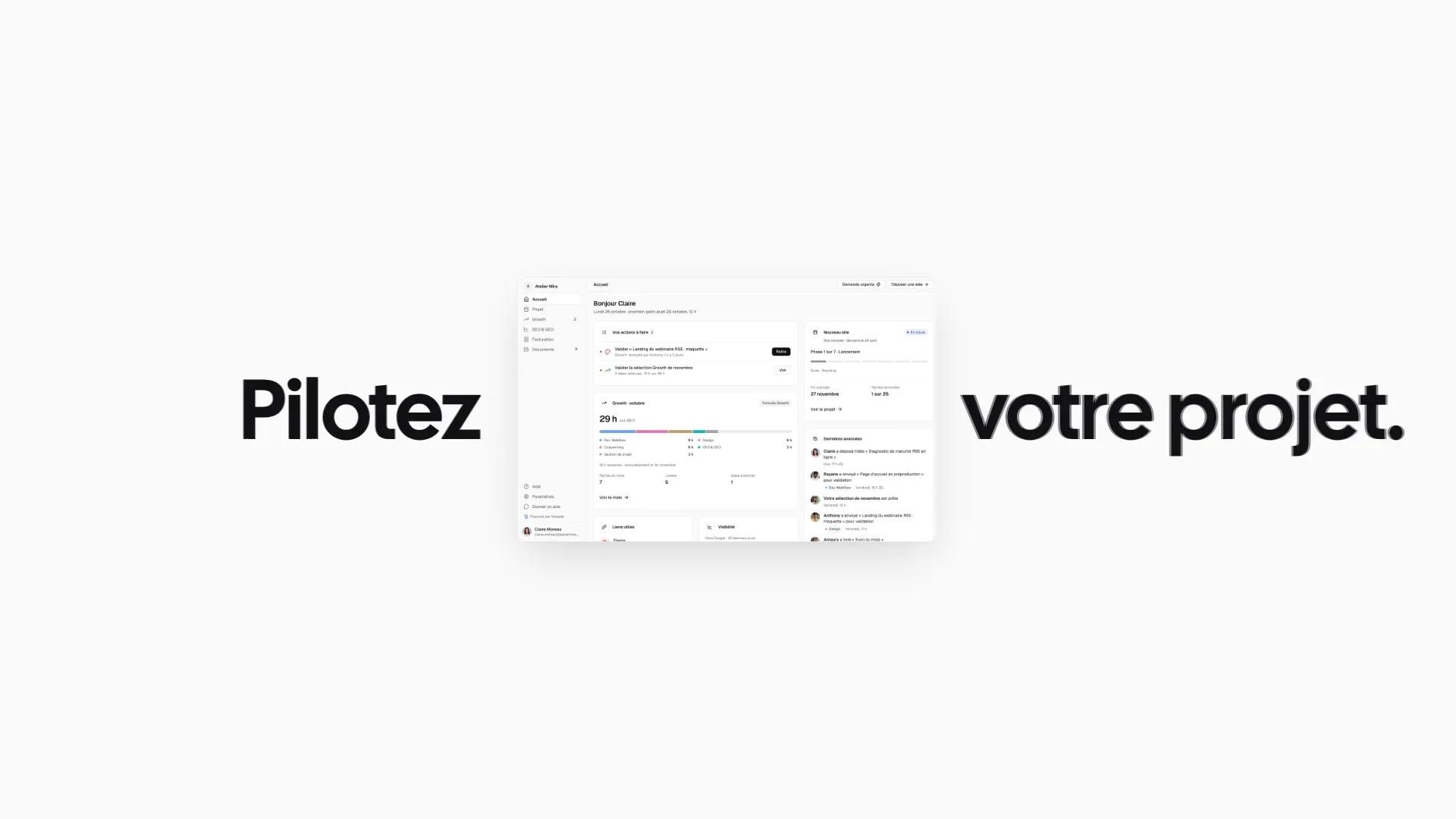

Designing Noqode’s custom client portal

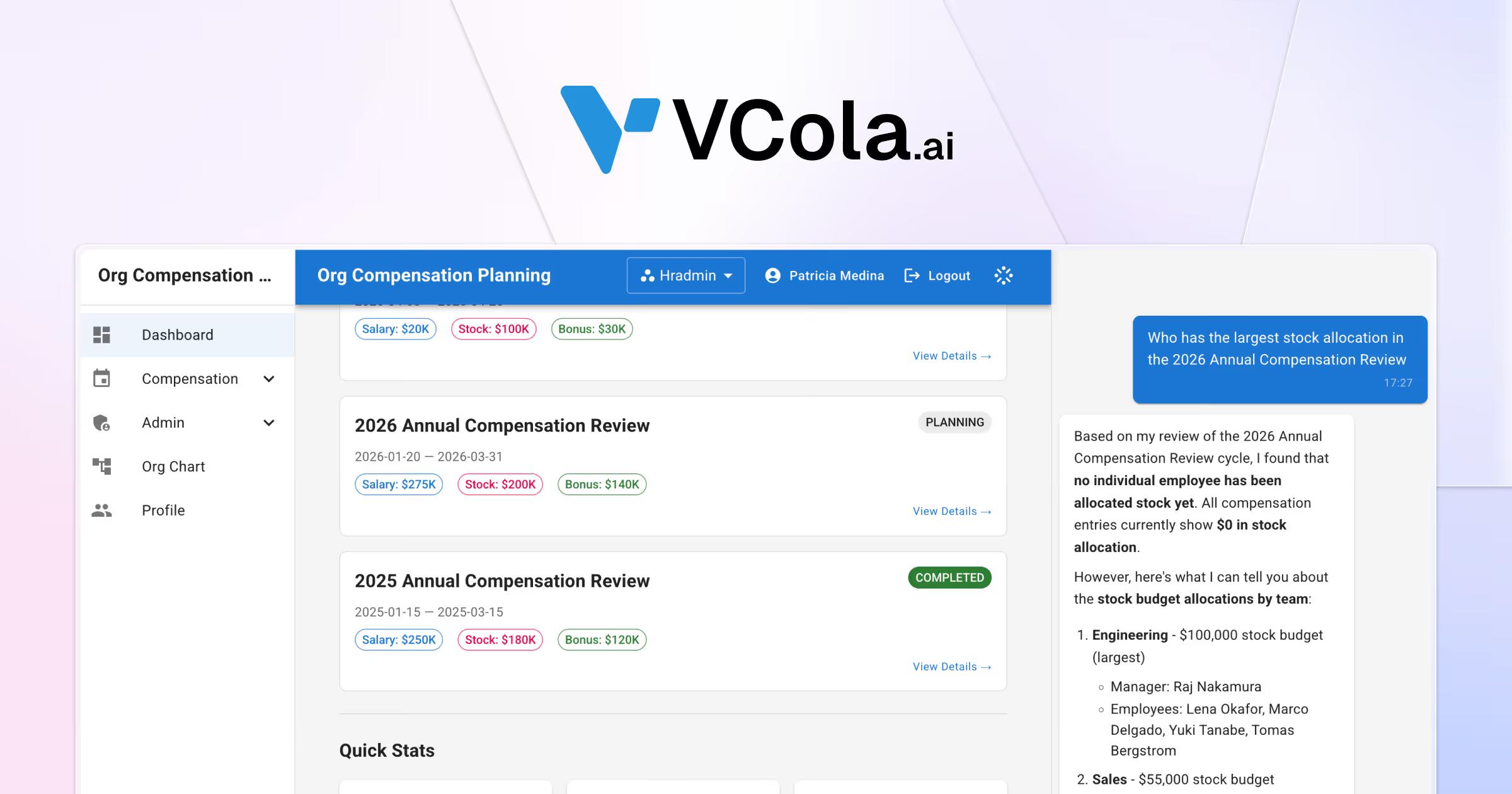

Launching AI startup VCola with an AEO-first approach


Redesigning Framboise Consulting’s site for SEO and AEO
Creating Maison de Lysenne’s luxury brand universe
No-code tool or custom workflow depending on what the automation commits
A Zapier scenario is enough to connect two simple tools.
A custom workflow is the right choice when it touches your customers and your CRM.

Zapier on your own

Custom n8n or Make

Integration built in code
A custom workflow if
The workflow touches your prospects or your customers
An error would cost a lead or a piece of data

Several tools share the same information

A step requires reading, sorting or writing

Your data must stay hosted in Europe

No one in-house has time to monitor the scenarios
A tool on your own is enough if

Only two tools exchange data
The connector already exists as standard in your tools
A temporary error has no consequence for your customers
The volume stays low and predictable
A person on the team can maintain the scenario
Lead and CRM automations with n8n, Make and AI

Forms connected to the CRM
A request sent on your website creates the person, the company and the opportunity in your CRM. The source of the visit is recorded with it.

Incoming request sorting
Rules and Claude's opinion rule out spam and cold outreach before they reach your CRM. When in doubt, the request is treated as a lead.

Follow-ups and sales tracking
Follow-ups go out from your mailbox on fixed dates, in the same thread. They stop as soon as the prospect replies.

Webflow or Sanity site connected to your tools
Your website's forms and bookings feed your tools through APIs. Your team keeps publishing as before.

Slack and email notifications
Every useful event notifies the person concerned on Slack or by email. The rest of the team is not disturbed.

AI agents in your workflows
An agent reads a message, summarizes an exchange or prepares a reply within the workflow. A person on your team reviews before anything is sent.
Our method from manual task to workflow in production
Four steps to go from a repetitive task to a workflow that runs on its own.
Map your repetitive tasks
A workshop lists the tasks that come back every week and the tools they go through. Together we choose the first workflows to automate.
Choose the right tool
Depending on volume and data sensitivity, the workflow runs in n8n, in Make or in code. We explain this choice before building.
Test on your real data
The workflow is tested on the history of your data before it goes live. If a case stays ambiguous, it leaves the decision to a person on the team.
Go live and keep evolving
Each workflow is documented for your team. Our Growth Team can then monitor and extend it every month.
An automation project quoted to your scope
Every project is quoted after a first conversation.
Website build
A custom site designed from strategy to launch. Your team runs it on its own.
- Strategy workshop and sitemap
- Custom UX/UI design
- Webflow development
- CMS and training for your team
- Built-in technical SEO and AEO
- A team dedicated to your project
- Project tracking in your client portal
Redesign and migration
We modernize your site without losing your rankings or your content.
- Audit of the current site and rankings
- New sitemap and design system
- Content migration to Webflow
- Redirect plan
- Page-by-page SEO and AEO
- A team dedicated to your project
- Project tracking in your client portal
Custom development
A site built in code with a headless CMS for demanding projects.
- Astro and Sanity, headless
- Next.js and Claude-assisted code
- API and CRM integrations
- Performance optimized for Google
- Built-in technical SEO and AEO
- A team dedicated to your project
- Project tracking in your client portal
Custom project
Multi-site platform, advanced integrations or AI workflows. We scope the project with you before pricing it.
- High-end design and premium identity
- Multi-site and multilingual architecture
- AI workflows and automations
- Extensions and tools connected to the site
- Advanced API integrations
- Custom animations and interactions
Technical SEO and AEO are included in every project. See our case studies
Our clients recommend Noqode for its responsiveness and results

“Very satisfied. Amaury is very efficient and always available.
He supported me throughout the entire creation process and continues to provide regular follow-up for the maintenance and further development of the site.
THANK YOU Amaury!!”

“A very good experience with Noqode: a team that always listens, responds quickly and was fully invested in our project.
I recommend them for any ambitious web project.”

“A serious, professional and well-organized team.
Very responsive and attentive, they quickly understood my expectations and delivered a result beyond my hopes. I recommend Noqode 100%.”

“Noqode handled the complete redesign of my firm's website.
Impeccable result, an efficient team that was available from start to finish. I recommend them without reservation.”

“A big thank you to Amaury and the Noqode team!
After coaching more than 140 freelancers on how to win clients, I needed a website that truly reflected my method, my expertise and my world.
The result is excellent: a site that converts well and is very easy to manage.
On top of that, the team is extremely responsive and attentive.
Honestly, when you spend your days advising freelancers, it is doubly rewarding to work with professionals who understand your needs right away!
In short, I highly recommend them, and believe me, with my background as a developer, I am not an easy client to please 😉”

“A really beautiful design in record time. Amaury and his team listen carefully, letting clients express their feelings and their vision of the business they want to present.
A great ability to synthesize, while respecting the client's wishes and budget. Well done to the whole team, whom I recommend without the slightest reservation.”



Your questions, our answers
Everything you need to know before starting a project with us.
What is an automation agency?

An automation agency connects a company's tools so that repetitive tasks run without re-entry. At Noqode, we build these workflows with n8n, Make or code. An AI agent joins when a step requires reading, sorting or writing. We always start from your processes before choosing the tool.
No-code tool or integration built in code: which should you choose?
A no-code tool is enough for most workflows and stays readable by your team. An integration in code becomes relevant when the flow is critical or must be taken over by your developers. For VCola, the website forms send their data to Google Sheets through a Cloudflare Worker, without Zapier.
What results can you expect from automation?
On noqode.fr, no form request is copied by hand anymore. Tested on the history of 62 requests, our sorting rules out 88% of off-topic messages without losing a single real lead. Real leads reach Attio with their source. Your results will depend on your volumes and your processes.
Can you connect a Webflow or Sanity website to your tools?
Yes. Forms and bookings on a Webflow or Sanity site can feed your tools through APIs. On noqode.fr, each qualified request creates the person, the company and the opportunity in Attio. A booking on Cal.com moves the opportunity forward in the CRM.
What happens after the workflow goes live?
A workflow must follow the updates of your tools. Our Growth Team tracks it each month, with no commitment, and adds new scenarios according to your needs. Each workflow is documented so that your team knows what it does.
How much does an automation project cost?
Every project is quoted after a free 30-minute first conversation. The price depends on the number of workflows, the tools to connect and the complexity of the scenarios. Our prices are quoted excl. VAT. Subscriptions to tools such as n8n, Make or Zapier remain at your expense.
How long does it take to set up an automation?
A simple automation is deployed in a few days. A complete project that connects your CRM, AI and several APIs takes several weeks. We deliver workflow by workflow, so that your teams save time from the first go-live.
n8n, Make or Zapier: which should you choose?
Zapier suits simple scenarios that one person on the team manages alone. Make offers a visual interface for scenarios with several branches. n8n is open source and can be hosted on your own servers, which keeps your data with you. We recommend the tool after studying your volumes and your data.
Can you integrate AI agents into a workflow?
Yes. An AI agent can sort a request, summarize an exchange or prepare a reply inside a workflow. On noqode.fr, request sorting combines rules and Claude's opinion. The workflow then prepares three replies, which Amaury reviews before sending them himself.
Which tools can you connect?
We connect your existing tools, from the CRM to emailing, including forms, calendar and Slack. On our recent projects, we have connected Attio, Gmail, Cal.com, Qonto and Google Sheets. When no standard connector exists, we build the integration through the API.
Is my data safe in an automated workflow?
We limit each workflow's access to the data it needs. Access keys are kept server-side, never in the website. With n8n, workflows can run on a server hosted in Europe. When in doubt, a person on your team approves before any sensitive action.
Our tools to automate your workflows


End of the page, start of the project
Let's build your next website.
30 minutes with an expert to scope the project, the budget and the next steps.