

Squarespace to Webflow Migration
Your Squarespace pages,
carried into Webflow with their SEO.













Why move from Squarespace to Webflow
We rebuild the Squarespace site in Webflow, then move content, addresses and search rankings across. Squarespace remains a polished tool. Some teams leave it when their site needs more structure and design freedom.
Your design goes beyond the layouts offered by Squarespace templates
Your content needs fields and collections more structured than the blog and portfolio
You want more advanced animations and interactions than the templates offer
You want more room on the structure of addresses and tags
Your site has grown and several people publish on it regularly

+30 B2B companies supported, here are some of their results


Designing Noqode’s custom client portal

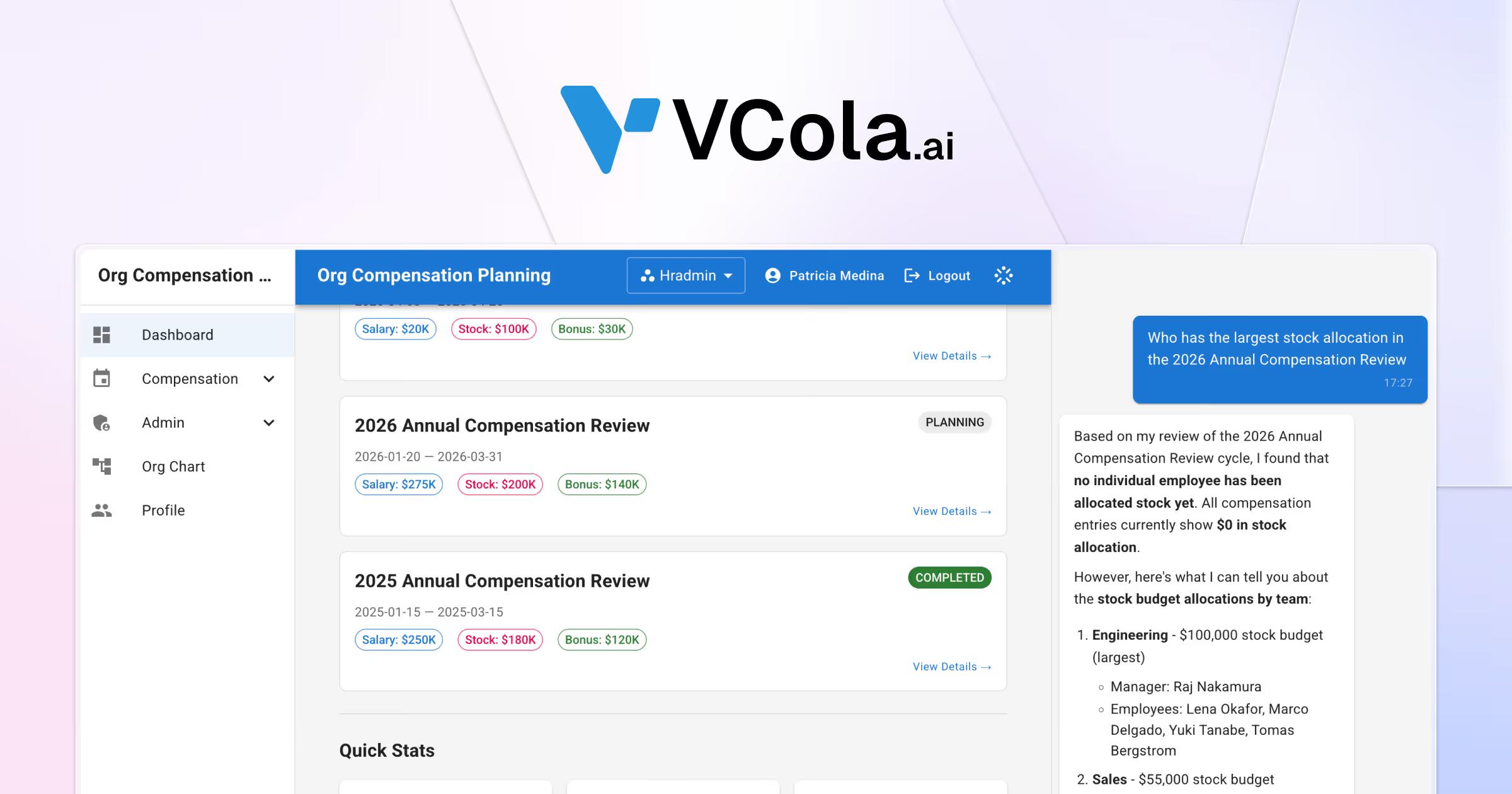

Launching AI startup VCola with an AEO-first approach


Redesigning Framboise Consulting’s site for SEO and AEO

Creating Maison de Lysenne’s luxury brand universe
The content carried over from your Squarespace site

Pages and templates
Each Squarespace page becomes a Webflow page or template. We keep your text, or rework it on request.

Posts and CMS collections
Squarespace exports part of your content as an XML file, which we convert for the Webflow CMS. We check each field once the import is done.

Addresses and 301 redirects
We list the addresses that receive traffic in Search Console. Each one that changes receives its 301 redirect in the Webflow settings.

SEO tags and structured data
Title and meta tags are carried over page by page. We add Schema.org data, the sitemap and the llms.txt file.

Media and alt text
Images and files are retrieved from the Squarespace library, then optimized. Alt text is kept.

Forms and integrations
Your Squarespace forms are rebuilt in Webflow, then connected to your CRM or your automations. We reinstall the tracking scripts and check them.
Migrate to Webflow or stay on Squarespace
A well-established Squarespace site does not always need to move.
Migration makes sense when design and content structure need more freedom.

Squarespace

Webflow

Guided migration
Migrate to Webflow if
Your site presents your offers and your content
You want a design and animations freer than the templates allow

Your team publishes posts or projects in structured collections

You want more room on addresses, tags and structured data

You use the migration to redo the design

Your content fits easily into collections
Stay on Squarespace if

Your Squarespace store already works well
You use Squarespace bookings, member areas or courses
Your email campaigns go through Squarespace and work well
Your team masters Squarespace and evolves it alone
Your site of a few pages already covers your need
To plan for
when you leave Squarespace
Squarespace features to replace
Bookings, member areas and email campaigns do not exist as such in Webflow. We choose a third-party tool with you for each.
A different editing space
Your team publishes directly on the page, in the Webflow editor. Training on this tool comes before launch.
Hosting and domain
Hosting and the SSL certificate are included in the Webflow subscription. If your domain is managed at Squarespace, we repoint it with you.
Addresses that change
Each Webflow collection has its own folder, which you choose. Squarespace addresses that change receive a 301 redirect to their new page.
Collections with defined fields
Each content type becomes a collection, with fields defined in advance. The Webflow plan you choose sets the number of items.
Online stores
We do not migrate Squarespace stores. For a site that sells online, staying on the current platform is often preferable.
Our method for moving from Squarespace to Webflow
The old Squarespace site stays online until launch.
Audit the Squarespace site
We list the pages, collections, specific blocks and addresses that receive traffic. This inventory decides what is carried over, merged or dropped.
Design and build in Webflow
The design is approved in Figma, then built in Webflow with its CMS collections. The site is built on a test address.
Import content and map URLs
Exported content is converted, imported into the CMS, then checked. Each old address receives its 301 redirect to its new page.
Launch and monitor
We switch the domain to Webflow once the redirects are tested, then track indexing and rankings in Search Console.
A migration to Webflow quoted to your scope
Every project is quoted after a first conversation.
Website build
A custom site designed from strategy to launch. Your team runs it on its own.
- Strategy workshop and sitemap
- Custom UX/UI design
- Webflow development
- CMS and training for your team
- Built-in technical SEO and AEO
- A team dedicated to your project
- Project tracking in your client portal
Redesign and migration
We modernize your site without losing your rankings or your content.
- Audit of the current site and rankings
- New sitemap and design system
- Content migration to Webflow
- Redirect plan
- Page-by-page SEO and AEO
- A team dedicated to your project
- Project tracking in your client portal
Custom development
A site built in code with a headless CMS for demanding projects.
- Astro and Sanity, headless
- Next.js and Claude-assisted code
- API and CRM integrations
- Performance optimized for Google
- Built-in technical SEO and AEO
- A team dedicated to your project
- Project tracking in your client portal
Custom project
Multi-site platform, advanced integrations or AI workflows. We scope the project with you before pricing it.
- High-end design and premium identity
- Multi-site and multilingual architecture
- AI workflows and automations
- Extensions and tools connected to the site
- Advanced API integrations
- Custom animations and interactions
Technical SEO and AEO are included in every project. See our case studies
Our clients recommend Noqode for its responsiveness and results

“Very satisfied. Amaury is very efficient and always available.
He supported me throughout the entire creation process and continues to provide regular follow-up for the maintenance and further development of the site.
THANK YOU Amaury!!”

“A very good experience with Noqode: a team that always listens, responds quickly and was fully invested in our project.
I recommend them for any ambitious web project.”

“A serious, professional and well-organized team.
Very responsive and attentive, they quickly understood my expectations and delivered a result beyond my hopes. I recommend Noqode 100%.”

“Noqode handled the complete redesign of my firm's website.
Impeccable result, an efficient team that was available from start to finish. I recommend them without reservation.”

“A big thank you to Amaury and the Noqode team!
After coaching more than 140 freelancers on how to win clients, I needed a website that truly reflected my method, my expertise and my world.
The result is excellent: a site that converts well and is very easy to manage.
On top of that, the team is extremely responsive and attentive.
Honestly, when you spend your days advising freelancers, it is doubly rewarding to work with professionals who understand your needs right away!
In short, I highly recommend them, and believe me, with my background as a developer, I am not an easy client to please 😉”

“A really beautiful design in record time. Amaury and his team listen carefully, letting clients express their feelings and their vision of the business they want to present.
A great ability to synthesize, while respecting the client's wishes and budget. Well done to the whole team, whom I recommend without the slightest reservation.”



Your questions, our answers
Everything you need to know before starting a project with us.
Why migrate from Squarespace to Webflow?

Webflow gives more freedom over design, animation and CMS structure. Your team publishes in a visual editor, with collections that have defined fields. Squarespace remains relevant for a simple site or an existing store. We help you decide during the first conversation.
Will my team be able to edit the site on its own?
Yes. In the Webflow editor, your team edits text and publishes posts directly on the page. A training session takes place before launch, with a written guide and videos available.
How much does a Squarespace to Webflow migration cost?
We quote each migration, after a free 30-minute first conversation. The number of pages and templates, the volume of posts and the redirects to set up all affect the price. The Webflow hosting subscription comes on top of the project. Our prices are exclusive of tax.
How long does a Squarespace to Webflow migration take?
A complete site usually takes 4 to 8 weeks, including content migration and the redirect plan. Your Squarespace site stays online until launch day. The precise timeline is set after the audit, when the scope is known.
Can you migrate from Squarespace to Webflow without losing SEO?
Yes. We list in Search Console the addresses that receive traffic, put 301 redirects in place and test them before launch. We then track indexing and the rankings of your main pages.
Which content do you carry over from Squarespace?
We carry over pages, blog posts, portfolio pages and media with their alt text. Title and meta tags follow page by page. Forms are rebuilt and connected to your tools.
Can a Squarespace site be exported to Webflow?
Not directly. Squarespace exports part of the content in an XML file designed for WordPress. We convert it into a CSV file for the Webflow CMS, then rebuild the pages. Content that cannot be exported is carried over by hand.
Can you keep the same URLs when leaving Squarespace?
For the most part. Pages can keep their address. In Webflow, each collection has its own folder, for example /blog/post-title. Addresses that change receive a 301 redirect to their new page.
What happens to my Squarespace store and features?
E-commerce is outside our scope, so we do not migrate a Squarespace store. Squarespace bookings, member areas and email campaigns do not exist as such in Webflow. We list them during the audit and choose a replacement tool with you.
The tools for your migration to Webflow



End of the page, start of the project
Let's build your next website.
30 minutes with an expert to scope the project, the budget and the next steps.