Webflow CMS: Create and manage your website with CMS collections

5 minutes
.
January 22, 2025

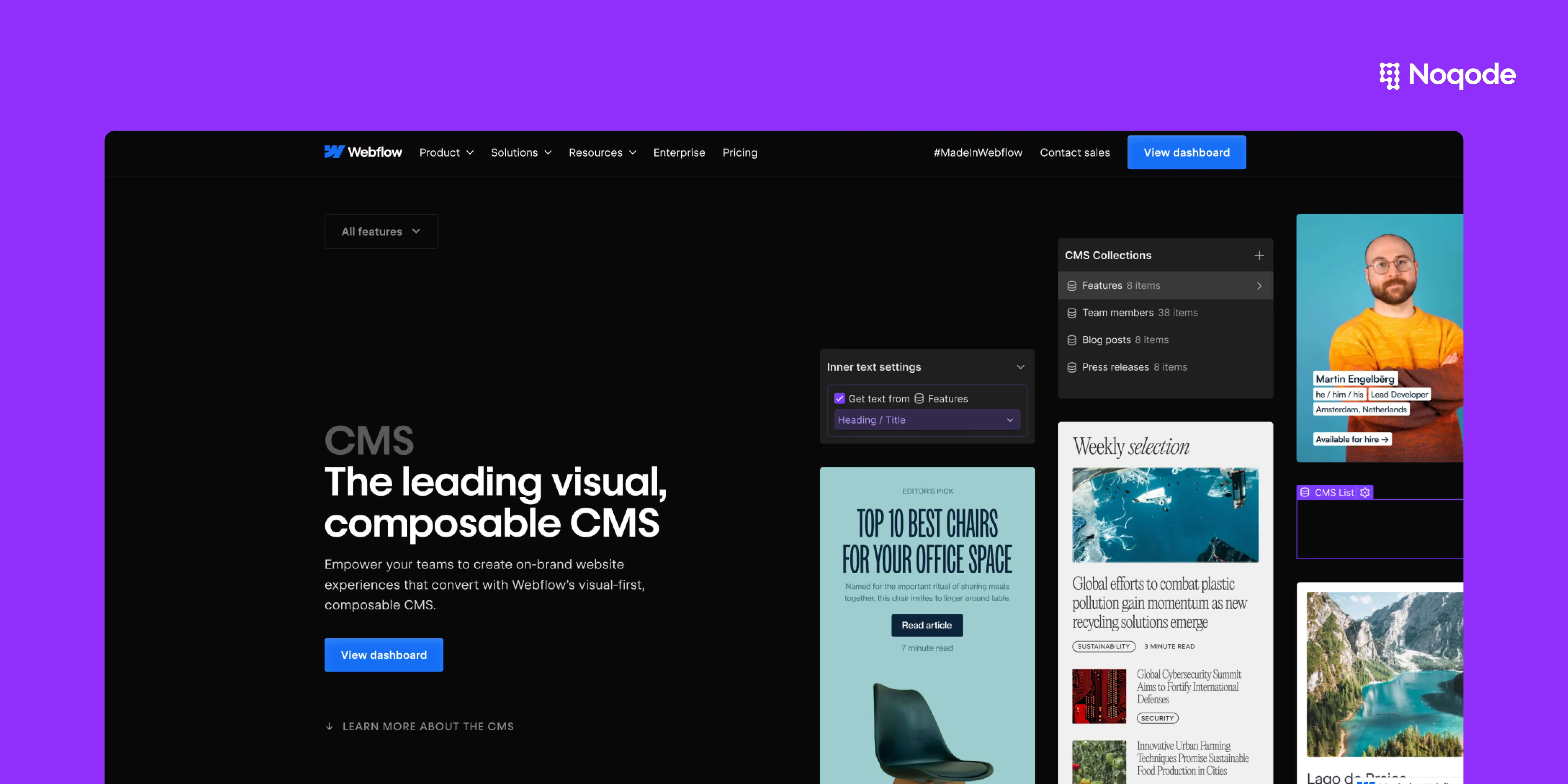
The Webflow CMS (Content Management System) is a powerful tool that simplifies dynamic content management, without requiring coding skills. It allows users to design aesthetic websites while offering great flexibility in editing and organizing information. Thanks to CMS collections, your data is structured in an efficient way, facilitating the creation of blogs, portfolios, or tutorial pages.
Our Webflow agency makes full use of these collections to feed our blog page in a fluid and automated way, ensuring optimized management of dynamic content.
Webflow is a powerful tool that offers great flexibility and efficient content management, which other platforms such as WordPress or Framer do not always provide in such an intuitive way. Here are the main advantages:

The Webflow CMS is based on CMS collections, which are data sets structured in the form of database. Let's take a look at the essential steps to use this feature effectively:
A CMS collection corresponds to a flexible content structure. For example, for a blog, each article is an item in the collection:
➡️ Create a powerful blog with Webflow by following our guide: Create a blog on Webflow.

The content management interface is intuitive and lets you edit blog posts, portfolios or other content in a few clicks.
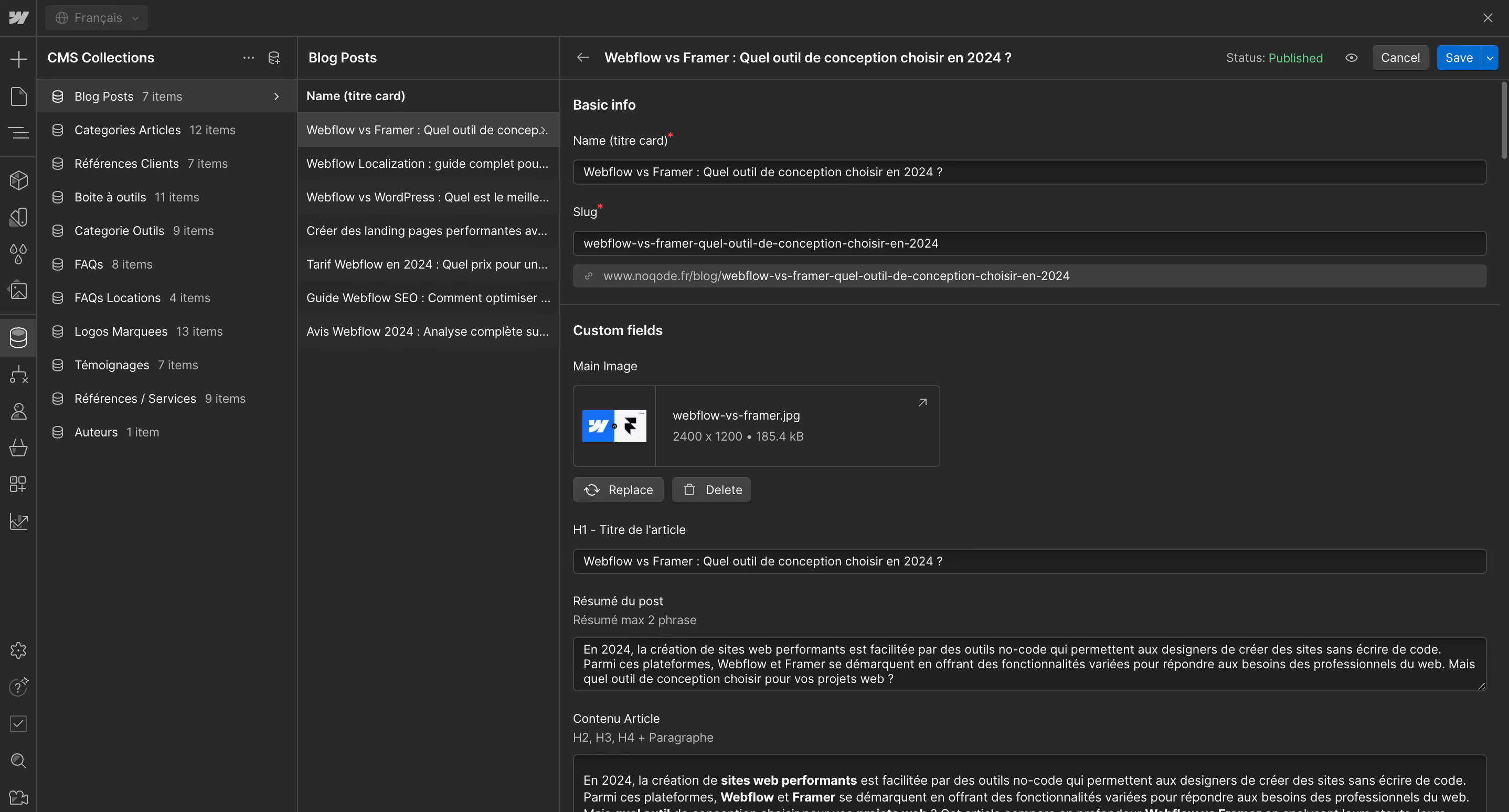
Webflow collections offer several advanced features that make them an ideal solution for designers and developers:

The Webflow CMS is particularly suitable for SMEs, agencies, startups and any structure that needs dynamic content:
The Webflow CMS is an ideal solution to create and manage online content dynamically and without coding. It offers great flexibility to designers, developers and marketing teams by making it easier to update and publish content. With well-organized CMS collections, you not only optimize your Workflow, but also the user experience.
If you want to learn more about effectively managing a website with Webflow or explore other features, compare Webflow with other CMS by consulting our articles:
With Webflow CMS, easily create and manage your content while enjoying a smooth and optimized user experience! Do you need personalized expertise? Call on our Webflow agency for tailor-made support and optimal project management.

Yes, Webflow offers functionalities adapted to online stores that allow dynamic storage via CMS collections. This allows you to manage product catalogs directly from the CMS interface.
➡️ Discover the pricing options for an e-commerce site with Webflow: Webflow pricing.
Yes, the Webflow CMS is designed to be intuitive and accessible. You can easily manage your content without needing to code, although basic HTML/CSS knowledge can be useful for advanced adjustments.
To optimize a site using the Webflow CMS:
Yes, Webflow allows you to create multilingual collections to effectively manage multiple versions of your site. This is especially useful for startups or SMEs seeking to internationalize.
You can manage various types of content:
➡️ Learn how to design effective landing pages with Webflow: Create landing pages on Webflow.