Create a website mockup easily | Guide and tools

8 minutes
.
November 13, 2024

Creating a website mockup is a fundamental step in designing a website. Whether you are a web designer, a project manager or an entrepreneur building your online presence, a good mockup helps you visualize the final result, organize the layout and optimize the user experience. It makes collaboration with stakeholders easier while laying a solid foundation for the technical development to come.
Our web design agency specializes in sites with strong visual impact, and the mockup phase is crucial in every project we take on. We guide you through this step and present the best tools and best practices to get it right.

A website mockup lets you plan the structure of your site before any code is written. You can visualize how pages are organized, the content areas, the buttons and the key interactions. This helps you avoid costly design mistakes and ensures the site meets users' needs from the start.
A mockup also ensures that everyone shares the project vision, whether it is the client, the designer or the developer. It is a visual communication tool that clarifies expectations and the features of the future website.
Investing in a well-thought-out mockup can save valuable time during development. It lets you test and adjust the layout, optimize the user experience and validate aesthetic choices before the project becomes complex and expensive.
To find out how much a site will cost you once it is live, our article How much does a showcase website cost? may be useful.
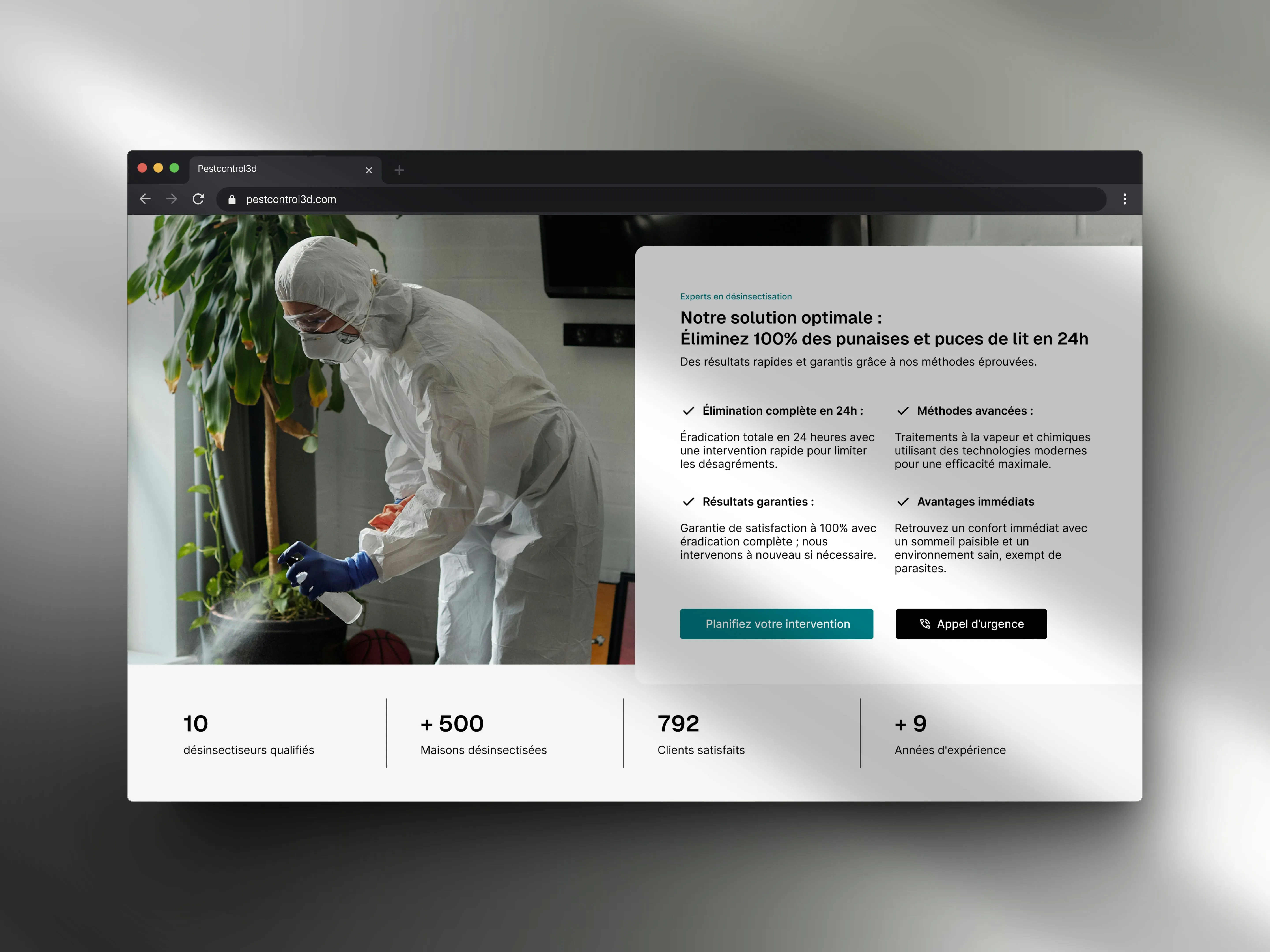
Before you start creating a site mockup, you need to fully understand the project's needs and goals. Ask yourself:
Answering these questions will guide the creation of the mockup and help you choose a suitable design.
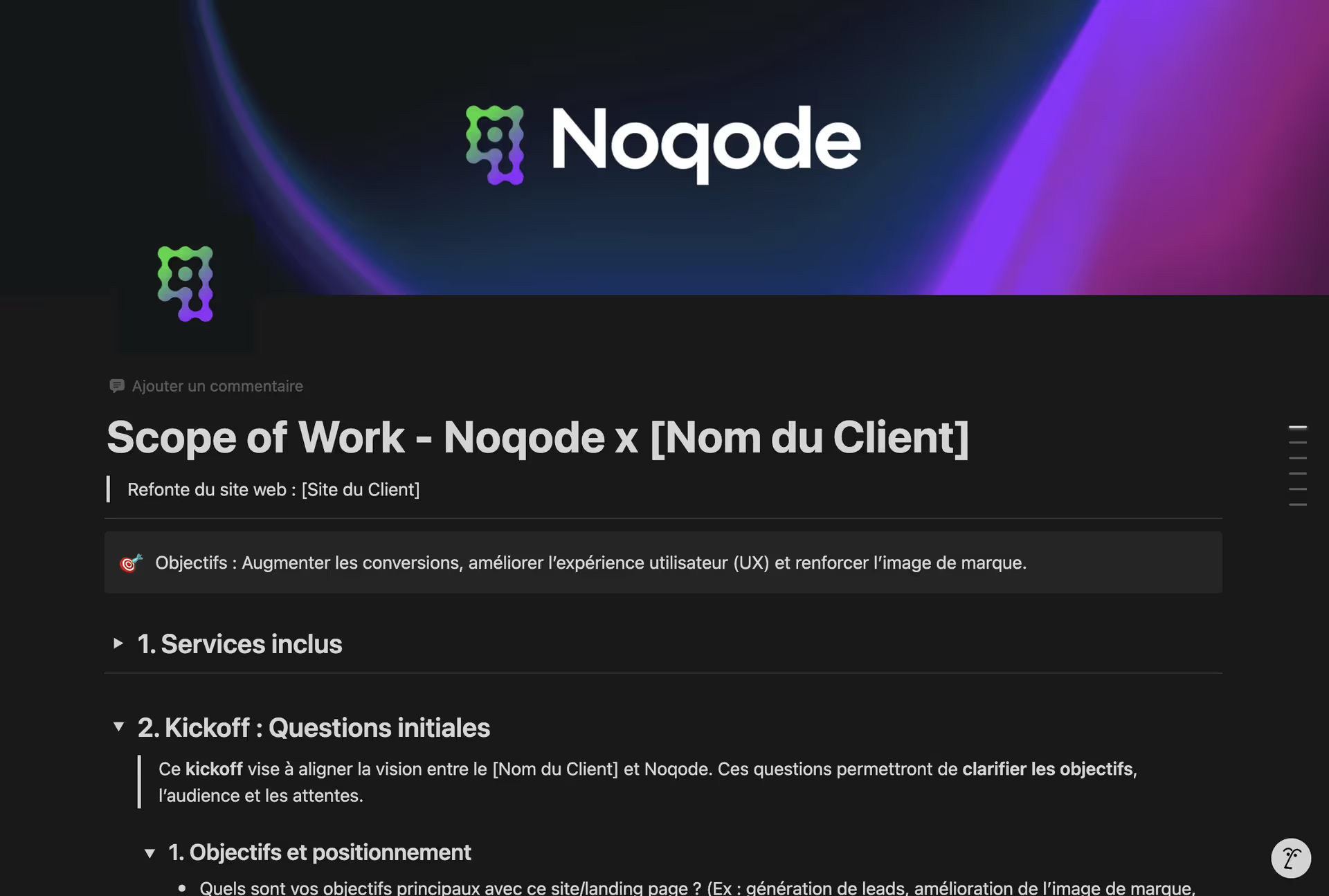
During our onboarding at noqode.fr, we hold a key step called the Kickoff. Its purpose is to align the vision between our client and our agency. Through questions about your business goals, your positioning and your audience, we clarify expectations so we can design a mockup that fully meets your needs and those of your users.
Wireframes are basic diagrams that define the structure of your website without worrying about graphic details. They let you:
Wireframes are simple sketches, but they are essential to guide the rest of the design. You can draw them on paper or use tools like Adobe XD, Figma or Sketch.
To learn more about this crucial step, read our practical guide: How to create a website sitemap

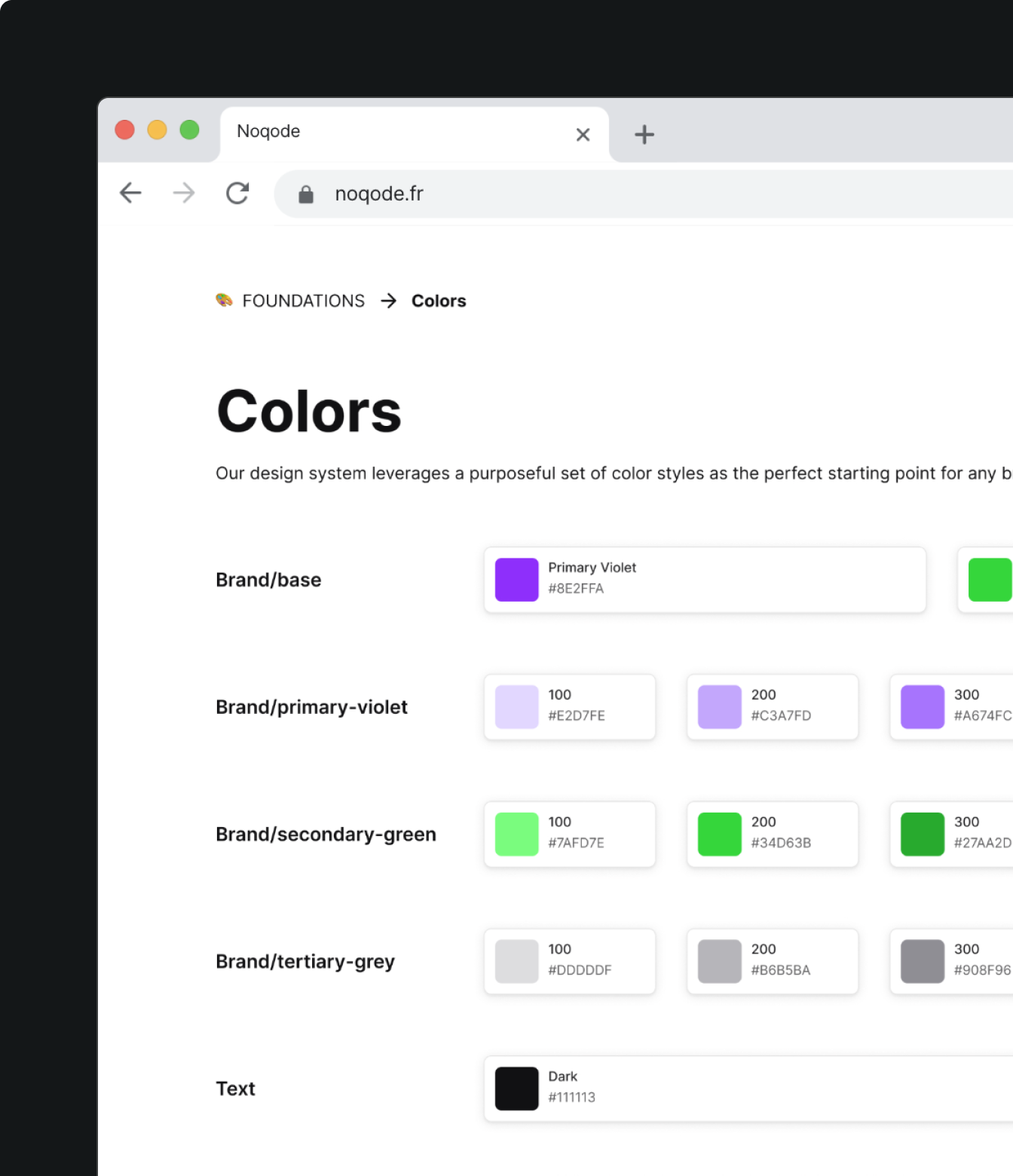
Once the wireframes have been approved, you can move on to a more detailed visual mockup. This includes adding:
The brand guidelines should be applied consistently to ensure good readability and a professional look. The aim is to make your site not only “beautiful” but also functional.
The user experience (UX) is crucial. Your mockup should make navigation simple and intuitive. Users need to understand where to click and how to find information, and feel that the site was designed for them.
Our specialized Webflow agency follows a rigorous design process. We include complete UX design, with wireframing and A/B testing, to optimize the user experience and secure the site's performance from the planning phase.
Adobe XD is a very complete design tool for creating interactive mockups. It is ideal for web designers who want to:
Adobe XD is particularly powerful for creating clear and accurate prototypes, but it comes with a learning curve.
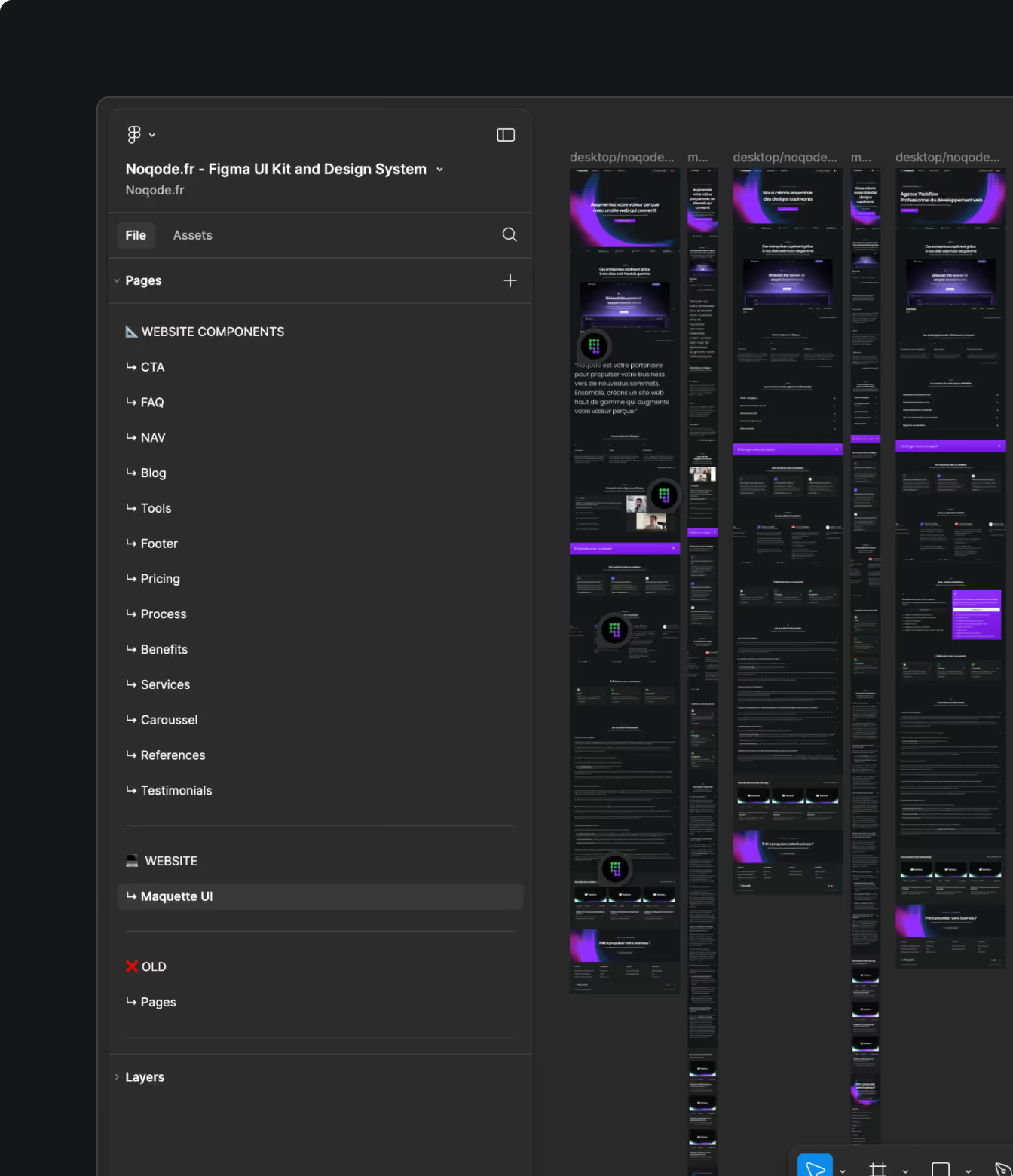
Figma is the reference in collaborative design. You can:
This tool is ideal for distributed teams that need to stay in sync.
Sketch is very popular for UI/UX design and is mostly used on Mac. It offers advanced features for creating detailed mockups, but lacks some of the collaborative options offered by Figma.
For beginners and professionals alike, each of these tools has its advantages. All you have to do is find the one that best suits your needs.
Once the mockup is done, the next step is to create an interactive prototype. It lets you simulate the user experience and test features. A prototype helps you:
Creating mockups is an iterative process. It means presenting your work to team members and stakeholders to get their feedback. This helps refine the design and ensure it meets everyone's expectations. Communication is essential to avoid misunderstandings and keep the project moving forward.
Today, a site must be designed for every type of device: smartphones, tablets and computers. Make sure your mockup fits all screen sizes and that navigation stays smooth.
A website mockup is a shared reference that makes collaboration easier between the web designer, the client and the developers. By clearly defining each part of the site, it avoids unpleasant surprises during development.
A well-prepared mockup reduces unnecessary back and forth between teams. It sets a clear vision of what is expected, which speeds up development. You can launch your website faster without compromising on quality.
Creating a website mockup is much more than a formality. It is an investment that ensures your website will be intuitive, attractive and effective. Whether you choose tools like Adobe XD, Figma or Sketch, or a platform like Webflow, what matters is staying focused on the user experience.
A well-designed site starts with a well-thought-out mockup. Do not hesitate to call on experts if needed. If you want your site to be a real success, contact us to find out more.
A website mockup is a visual representation of your site that shows what it will look like before development. It includes the layout, the colors and the position of interactive elements.
It lets you visualize the design, test navigation and make sure the site will meet users' expectations. A good mockup prevents design errors and makes the developers' work easier.
Tools like Adobe XD, Figma, and Sketch are perfect for creating interactive mockups and testing prototypes.
A wireframe is a simple diagram that defines the basic structure of your site, without aesthetic details. It is useful for organizing content and planning navigation.
It brings valuable feedback and avoids misunderstandings. Working collaboratively keeps the project on track.