The Webflow app in ChatGPT: the complete guide to managing your site via AI

10 minutes
.
July 3, 2026
Since July 1, 2026, Webflow is available as an application in ChatGPT. An official app, connected via the MCP (Model Context Protocol) server, which gives ChatGPT read and write access to your CMS, pages, and metadata. You mention @Webflow in a conversation and manage your site using natural language.
This MCP server already powers the Claude connector launched in February, which we have been using in production at Noqode Webflow agency since day one. The arrival of ChatGPT primarily broadens access: most marketing teams already work with it daily. This guide covers the official terminology, the exact activation procedure, practical production use cases, a comparison with the Claude connector, and the actual limitations.
The Webflow app in ChatGPT is an official application published by Webflow, announced in late June on the community forum. Webflow highlights three uses: auditing a site for SEO, content quality, and usability, then applying fixes directly; creating and updating CMS content in Collections; and analyzing structure and performance to identify areas for improvement.
The connection uses Webflow's MCP server, the same open standard that already connects Claude and Slack to the CMS, as confirmed by the official documentation. ChatGPT therefore accesses the same families of tools as the Claude connector: the Data API for CMS operations, SEO metadata, and page content, and the Designer API for the canvas and styles.
Beware of a common confusion on the SERP. Managing Webflow from ChatGPT and adding a ChatGPT chatbot to your site are two distinct topics. The latter uses third-party widgets, Zapier, or the OpenAI API, as detailed on Webflow's ChatGPT integration page. The app discussed here is for managing your site. Your visitors will never see it.
The process takes less than three minutes. The exact steps, as documented by Webflow:
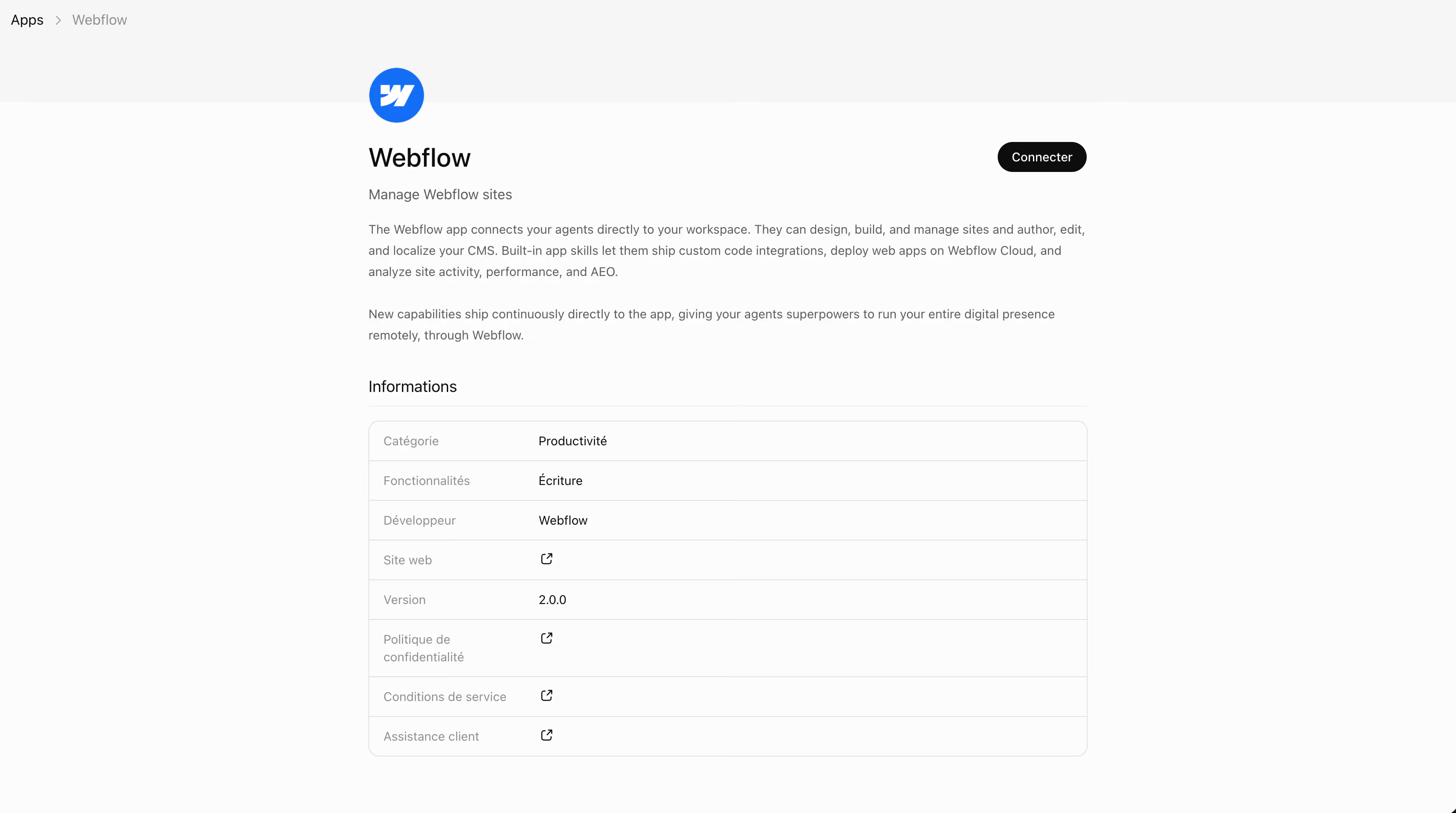
The official listing of the Webflow app in ChatGPT also allows you to start directly from the listing and grant access from there.
Three points before you start. Only Workspace owners and admins, as well as Site managers, can authorize site access via the MCP server. By default, ChatGPT requires approval for each action before executing it in Webflow, which is the correct setting for a production site. Connections can be managed at any time in Settings, then Connected apps.
Regarding pricing, the app is free at launch and does not consume Webflow AI credits. Webflow states that some advanced actions might consume them in the future. Additionally, you need a ChatGPT account and the app must be available in your region.
The following workflows have been running since February via the Claude connector, on noqode.fr and for client projects. Since the MCP engine is identical, they can be directly transposed to ChatGPT.
The blog features about ten comparative articles like Webflow vs WordPress, Webflow vs Framer or Webflow vs Wix. All follow the same architecture: a header with an anchor to the agency page, a table, recent numerical data, and contextual internal linking. Production time was spent less on research and more on faithfully reproducing this structure.
The workflow with the app: grant CMS access via @Webflow, request a review of the latest published comparisons to extract their structure and wording, provide fresh sources, then allow it to draft and create the item as a draft.
Prompt used:
« @Webflow, connect to noqode.fr and read my comparative articles of the "Webflow vs…" type in the CMS. The logic is always the same. Use these models to write a "Webflow vs [X]" comparison. Integrate 2 to 3 relevant Noqode articles or tools with natural anchors, add 2 to 3 recent data points (2025-2026) for credibility, and create the item as a draft. Double-check everything. »
Overly long meta titles, generic meta descriptions, missing alt tags on CMS images. Hours of manual work, systematically postponed because the perceived value-to-time-spent ratio is poor.
With ChatGPT connected: it lists all pages and CMS items, identifies meta titles over 60 characters or lacking the slug's main keyword, suggests a corrected version in a table, then applies the corrections upon validation. The last audit of this type on noqode.fr saved between 4 and 6 hours.
Prompt used:
« @Webflow, audit all pages on [site]. For each page, verify that the meta title is under 60 characters and contains the main term from the slug. List problematic cases in a table: URL, current meta title, problem, suggested correction. Do not modify anything; await my validation. »
This is the use case Webflow highlights most. The documentation gives the example of a Blog Collection that ChatGPT updates, generating content, creating new items, and publishing them to the live site. This is useful for a series of fact sheets, an FAQ, resource pages, or updating a field across multiple items at once.
The best practice remains to go through a draft, review, and then publish. For large collections, it's better to ask ChatGPT to work in batches to stay within API rate limits.
The app can scan a site and identify issues: thin content, uninformative titles, page structure needing revision. This provides a good starting point for prioritization, provided you maintain a critical eye on the recommendations.
The most interesting case concerns visibility with generative AI. ChatGPT identifies passages to make more quotable, answers to formulate at the beginning of sections, and titles to disambiguate. Refinement is then done manually; an automatic audit does not replace a strategy.
Same MCP server, so very similar capabilities. The choice criterion boils down to the tool your team already has open all day. For most marketing teams, that's ChatGPT, and that's precisely what lowers the barrier to adoption. The complete connector mechanism is detailed in the Claude x Webflow (MCP) feedback.
There's nothing to stop you from using both, depending on the project.
I've been using Webflow's MCP server since February, via Claude, for the Noqode website and client projects. The workflows described above are already in place, running, and can be directly applied to ChatGPT since the engine is the same. The difference compared to agencies just discovering the tool today lies here: months of iterations on prompts, pitfalls, and edge cases.
This head start will be short-lived. In twelve months, everyone will be using this type of app. If you want to see what it can do for your own site, contact us or book a call. 30 minutes to analyze your context and identify what is actionable as early as next week.
The Webflow app in ChatGPT is used to manage your site from within ChatGPT: create and modify CMS content, audit SEO, and rewrite pages. Adding a chatbot for your visitors is a separate undertaking, typically done via third-party widgets, Zapier, or the OpenAI API. The app never appears on your public site.
Yes. Both connect to Webflow via the MCP (Model Context Protocol) server, offering very similar capabilities. The difference lies in the interface and a few configuration details. The choice primarily depends on the tool your team already uses daily.
At launch, the app is free and does not consume Webflow AI credits. Webflow states that some advanced actions might consume credits in the future. A ChatGPT account is required, with the app available in your region.
Only Workspace owners and admins, as well as Site managers, can authorize access to a site via the MCP server. The scope is precisely chosen at the time of connection, including sites and Workspaces, which limits exposure on client projects.
Both are possible. By default, ChatGPT requires approval for each action before applying it in Webflow. The recommended practice remains drafting followed by a review before publishing, regardless of the configuration.
Google does not penalize content based on its production method. Content that genuinely helps the user ranks well, whether written by a human or AI-assisted. However, content produced in bulk to manipulate rankings violates anti-spam rules. The best practice remains to publish reviewed, value-added CMS items, not automated filler.